

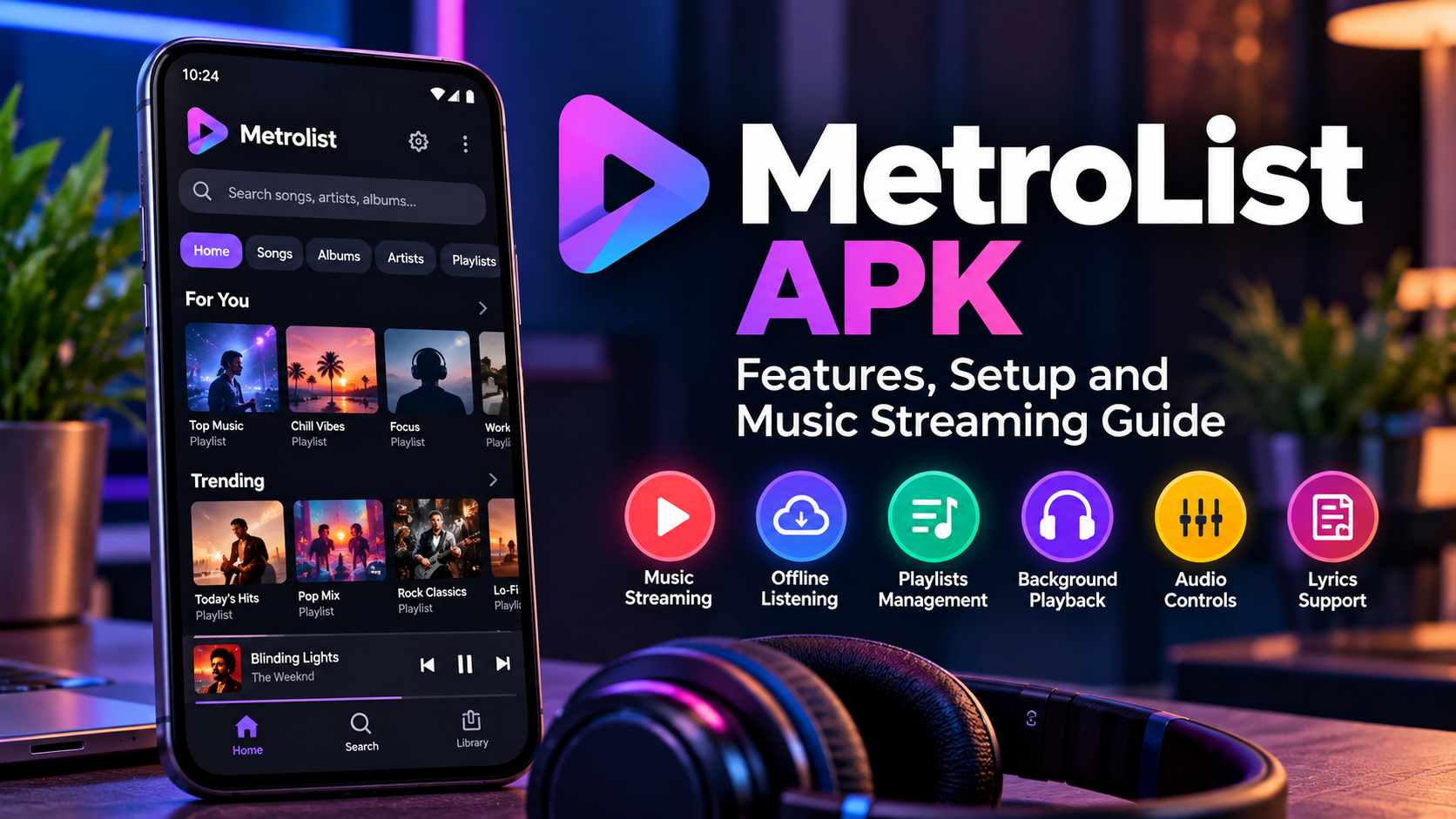

Music apps have changed the way people listen to their favorite songs. Many Android users now want an app that offers simple navigation, background playback, playlists, lyrics, and useful audio controls without making the experience complicated. Metrolist is one Android music app that has attracted attention because of its wide range of playback and library features.
If you are looking for information about MetroList APK, it is important to understand what the app offers, how it works, and what to check before installing an APK file. The open-source Metrolist project is an Android YouTube Music client with features such as background playback, offline caching, playlists, lyrics, audio controls, and different interface themes.
What Is MetroList APK?
Metrolist is an Android music application designed to provide a convenient way to discover and play music. The open-source project connects with YouTube Music content and provides a dedicated interface for searching songs, albums, artists, videos, and playlists.
One of its main attractions is the ability to continue playing music in the background. This means users can switch to another app or turn off the screen while continuing to listen. The project also supports offline caching, which can be useful when an internet connection is not available.
Because the name "Metrolist" is also used by other Android music applications, users should check the developer, package information, and download source before installing an APK. There is more than one app using the Metrolist name, so checking these details can help avoid downloading the wrong application.
Key Features of MetroList APK
Background Music Playback
Background playback is one of the most useful features for people who listen to music while working or using other apps. With Metrolist, supported music can continue playing when the screen is locked or when another application is open.
This makes the app useful for activities such as studying, exercising, traveling, or working. Users do not have to keep the music screen open all the time.
Offline Listening
Metrolist supports downloading and caching music for offline playback. This can be helpful when traveling, commuting, or using a device in an area with a weak internet connection.
Before downloading music, users should always make sure they have the appropriate rights to access and save the content. The availability of offline features can also depend on the version and source of the application.
Search and Music Discovery
Finding music is another important part of the app. Metrolist can search for songs, albums, artists, videos, and playlists through its supported music service. It also offers personalized quick picks and discovery features in supported versions.
A good search system makes it easier to find new music without spending too much time moving through different menus.
Lyrics Support
For users who enjoy following along with songs, Metrolist provides live synchronized lyrics. This feature displays lyrics while the song is playing, making it easier to follow the track.
Some versions and related Metrolist projects may offer additional lyric options, so the exact experience can vary depending on the build being used.
Audio and Playback Controls
Metrolist includes several controls designed to improve the listening experience. Supported versions provide audio normalization, tempo and pitch controls, an equalizer, crossfade, skip-silence options, and a sleep timer.
These controls can be useful for different listening situations. For example, a sleep timer can stop playback after a selected period, while audio controls allow users to adjust the sound to match their preferences.
Playlist and Library Management
Managing music becomes easier when songs are organized into playlists and libraries. Metrolist supports playlist management, local playlists, playlist imports, and reordering songs in a playlist or playback queue.
Users who listen to different types of music can create separate playlists for workouts, relaxing, travel, study sessions, or daily listening. This keeps frequently played music easier to find.
The project also supports YouTube Music account login and synchronization for supported features, allowing users to manage songs, artists, albums, and playlists through their account.
How to Set Up MetroList APK
Setting up an Android APK should always start with choosing a trustworthy source. The open-source Metrolist project provides its source code and release information through its official project channels.
Before installing any APK, check the application name, developer, version, package name, and source. Avoid random download pages that provide modified files without explaining where the application came from.
After obtaining a legitimate APK, Android may ask for permission to install applications from the selected source. The exact settings depend on your Android version and device manufacturer. Once installation is complete, open the application and review its available settings before starting playback.
Is MetroList APK Safe?
Safety depends heavily on where the APK comes from. An APK downloaded from an unknown website can be modified, outdated, or bundled with unwanted software. For this reason, users should prefer the project's official release channels and verify the application details before installing it.
The open-source Metrolist project publishes its code publicly under the GPL-3.0 license, which allows the project to be reviewed and developed openly. Its official project documentation also notes that the application is currently in maintenance mode, meaning the focus is on bug fixes and smaller improvements rather than major new features.
It is also worth checking regional availability. The project's documentation notes that Metrolist may not work normally in regions where YouTube Music is unavailable without an appropriate supported connection.
MetroList APK vs Traditional Music Apps
Metrolist can appeal to users who want more control over their music experience. Background playback, playlist management, lyrics, offline caching, audio controls, and customizable themes give users several ways to personalize their listening setup.
However, it is not necessarily the right choice for everyone. Some users may prefer official music apps because they offer direct support, automatic updates, and a familiar ecosystem. Others may prefer Metrolist because of its open-source approach and Android-focused features.
The best option depends on how you listen to music and which features matter most to you.
Final Thoughts
MetroList APK can be an interesting option for Android users who want a feature-rich music experience with background playback, playlists, lyrics, offline caching, and audio controls. The open-source Metrolist project provides a wide range of features while maintaining a clean Material 3 interface.
Before installing any APK, take time to verify the application and download source. Check the developer information, version, permissions, and project details instead of relying only on a random download page.
For users who want a flexible Android music experience, Metrolist is worth exploring as long as it is obtained from a trustworthy source and used according to the applicable service and content rules.



