

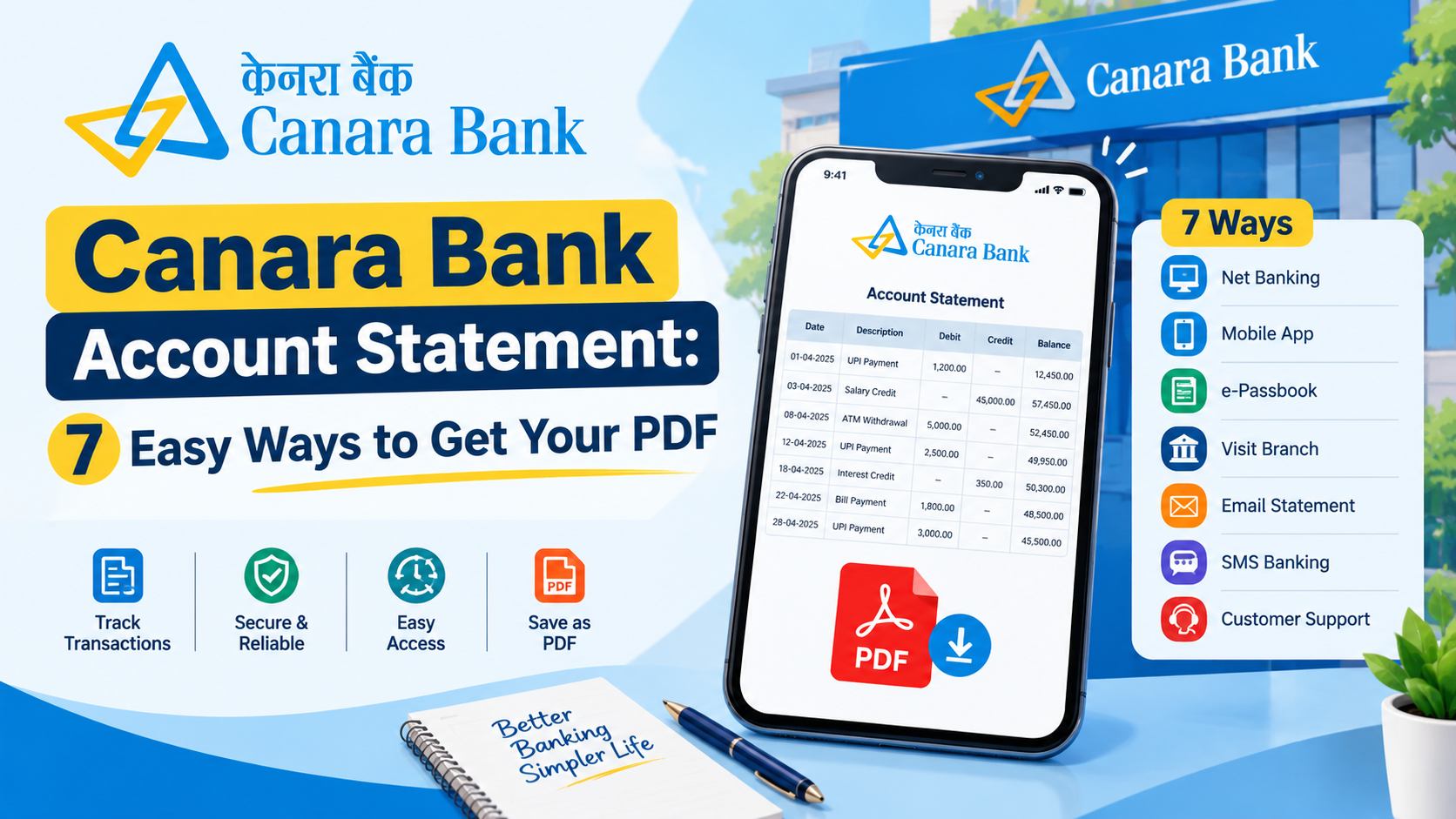

A bank account statement helps you track your financial activities, including deposits, withdrawals, fund transfers, UPI payments, and other transactions. It provides a record of how money enters and leaves your account, making it easier to manage expenses and verify payments.
If you have a Canara Bank account, you can access your account statement through several banking channels. Depending on your needs, you can check recent transactions, view activity for a specific period, or download a statement for your financial records.
In this guide, we explain the easiest ways to view and download a Canara Bank account statement, including mobile banking, internet banking, mini statements, and branch services.
1. View Your Canara Bank Account Statement Through Mobile Banking
The Canara ai1 mobile banking app provides access to several banking services, including Canara Bank Statement Download through its e-Passbook facility, which allows customers to review account transactions for an available period.
Steps to View Your Statement
-
Open the official Canara ai1 mobile banking app.
-
Log in using your registered credentials.
-
Navigate to the relevant banking services section.
-
Select the e-Passbook option.
-
Choose the bank account you want to check.
-
Select the available date range or enter custom dates.
-
View the transactions displayed on your screen.
-
Use the available download or sharing option if you need a copy.
The statement period and available features may vary depending on the banking service and app version.
For more information, visit the official Canara Bank Mobile Banking page.
2. Download a Canara Bank Account Statement Through Net Banking
Internet banking is a convenient option for customers who prefer using a computer or laptop. It allows eligible users to access account information without visiting a branch.
Steps to Download Your Statement
-
Visit the official Canara Bank website.
-
Open the net banking section.
-
Select the appropriate login option.
-
Enter your registered login credentials.
-
Navigate to the accounts or account information section.
-
Select your bank account.
-
Open the account statement or transaction history option.
-
Choose the required date range.
-
Generate the statement and select the available download option.
If PDF downloading is supported, you can save the statement to your device for future reference.
Always use the bank's official website to access internet banking. Avoid entering your login details on unfamiliar websites or through suspicious links.
3. Download Your Canara Bank Statement as a PDF
A PDF statement is useful when you want to maintain a digital copy of your banking records. You can keep it for personal accounting, expense tracking, or other legitimate financial requirements.
Follow these steps when a PDF download option is available:
-
Log in to the official mobile banking app or net banking portal.
-
Open the e-Passbook or account statement section.
-
Select the account for which you need the statement.
-
Choose the start and end dates.
-
Generate the statement.
-
Select the PDF download option, if available.
-
Save the file in a secure location.
Before downloading, verify that the account number and date range are correct. If you need transactions covering several months, check whether the selected service supports the entire period.
If your PDF is password-protected, follow the bank's instructions to open it. Never share your banking password, PIN, or OTP with anyone.
4. Check Your Canara Bank Mini Statement
A mini statement is useful when you only want to review recent account activity. It generally displays a limited number of recent transactions instead of the complete account history.
You can check the mini statement option through supported Canara Bank services, including the Canara ai1 mobile banking app. The bank also offers missed-call banking services for eligible customers.
To check the current instructions, visit the official Canara Bank Missed Call Banking page.
A mini statement can help you verify recent withdrawals, deposits, and payments. However, if you need a detailed record for a particular month or a longer period, use the full account statement facility.
5. Get Your Canara Bank Statement Through a Branch
If you cannot access mobile banking or internet banking, you can request your account statement by visiting a Canara Bank branch.
Steps to Request a Statement
-
Visit your Canara Bank branch.
-
Carry valid identification and your account details.
-
Ask the bank staff for an account statement.
-
Specify the period you want to cover.
-
Complete any required request form or verification.
-
Collect the statement or follow the instructions provided by the branch.
Ask the bank whether any service charges apply to your request. Charges and available statement services may depend on your account type and the applicable banking rules.
6. Common Problems When Viewing or Downloading a Statement
Sometimes, customers experience difficulties while accessing their account statements. Here are some common problems and possible solutions.
Statement not showing: Check that you selected the correct account and date range. Some banking services have limits on the available period.
PDF not downloading: Check your internet connection, device storage, and browser settings. You can also try another official banking channel.
Unable to log in: Follow the bank's official account recovery process if you have forgotten your login details.
Older transactions unavailable: Check whether your digital banking service supports the required period. If the records are unavailable online, contact the bank or visit a branch.
Unfamiliar transaction: Review the transaction details and contact Canara Bank through an official support channel if you cannot identify the payment.
Benefits of Checking Your Canara Bank Account Statement
Regularly reviewing your bank statement can help you manage your finances more effectively.
-
Track expenses: Review withdrawals, transfers, and payments.
-
Verify deposits: Check whether salary payments, refunds, or other credits have reached your account.
-
Maintain financial records: Keep a record of transactions for personal accounting.
-
Identify unusual activity: Notice unfamiliar transactions and report concerns promptly.
-
Manage your budget: Understand spending patterns and plan your expenses.
Downloading your statement periodically can also help you organise your financial documents.
Conclusion
Viewing and downloading a Canara Bank account statement is straightforward when you use the appropriate banking service. The Canara ai1 mobile banking app and net banking are convenient options for checking transactions and accessing available statements. You can also check a mini statement for recent activity or visit a branch if you need assistance.
Choose the method that suits your requirements, select the correct date range, and save your financial records securely. Always use official Canara Bank services to protect your account information.
Frequently Asked Questions
1. How can I view my Canara Bank account statement online?
You can use the Canara ai1 mobile banking app or Canara Bank net banking. Log in, select your account, open the e-Passbook or account statement section, and choose the period you want to review.
2. Can I download my Canara Bank account statement as a PDF?
Yes, a PDF download option may be available through supported digital banking services. The exact options depend on the banking channel and statement facility you use.
3. Can I check my Canara Bank statement on my mobile phone?
Yes. You can use the official Canara ai1 mobile banking app to access available account information and transaction records. You may need to register for mobile banking and activate the relevant services.
4. How can I check my recent Canara Bank transactions?
You can use the mini statement facility through supported Canara Bank services. For a longer transaction history, use the e-Passbook or full account statement option.
5. What should I do if I cannot download my Canara Bank statement?
Check your internet connection, login access, selected account, and date range. If the issue continues, try another official banking channel or contact Canara Bank customer support.



