


or the invoice carries a price nobody approved.
These problems become harder to investigate when the request sits in a message thread, the order is recorded in a spreadsheet, and the delivery note is filed somewhere else.
Procurement software in the UAE can help businesses organise those records and define who is responsible at each stage. Its usefulness depends on whether employees can follow a purchase from the original need through to acceptance and payment.
For retailers, service companies, hospitality operators, and distributors, seven practical controls offer a useful starting point.
What Should Procurement Software in the UAE Cover?
Procurement is the process of obtaining the goods and services a business needs. Purchasing is part of that process, alongside activities such as defining requirements, evaluating suppliers, approving commitments, and reviewing performance.
Software coverage varies. A purchasing module may focus on orders, receipts, and supplier bills. A broader procurement platform may also support sourcing events, contracts, complex approvals, and supplier onboarding.
The appropriate choice depends on the work involved. A shop replenishing resale stock has different requirements from a company commissioning a maintenance service or running a formal tender.
Before evaluating a platform, list the purchases your business makes and the records each one needs. Use those examples to test the controls below.
1. Make the Request Specific Before Seeking Approval
A request that says “buy office chairs” leaves several decisions unresolved. How many are needed? Which location will receive them? What specification is acceptable? When are they required?
A useful purchase request answers those questions before someone contacts a supplier. It should also identify the requester and explain the business need.
For a stock item, the request might reference an existing product code. For a service, it may describe the work, the expected deliverable, and how completion will be accepted.
Ask software providers how requests are recorded and whether supporting documents can be attached. If requisitions are handled outside the platform, establish how the approved request will remain linked to the eventual order.
Clear requirements help suppliers quote accurately and give approvers enough information to make a decision.
2. Check Existing Commitments Before Ordering Again
A low stock balance does not always mean a new supplier order is needed. Goods may already be on order, reserved for transfer, or held at another location.
Before placing another order, the buyer should be able to review relevant stock and outstanding commitments. The precise information needed depends on the business.
Consider a distributor waiting for 40 units from a supplier. Another employee sees only five units on the shelf and orders a further 40. Without visibility into the first order, a routine replenishment decision becomes an avoidable surplus.
When comparing procurement software in the UAE, test how open orders and expected deliveries are displayed. Check whether cancelled quantities and partially completed orders remain clear.
For businesses with several locations, also ask how employees can identify stock available for transfer without assuming that every unit at another branch is free to use.
3. Compare Supplier Offers on the Same Basis
The lowest quoted unit price may not represent the most suitable offer.
One supplier may include delivery, another may require a larger minimum order, and a third may offer an earlier delivery date. Product specifications, pack sizes, warranty terms, and payment arrangements can also differ.
Standardise the comparison before deciding. A price for a carton of 12 cannot be compared directly with a price for a carton of 24. Similarly, two maintenance quotations may cover different equipment or exclude different materials.
A procurement platform may provide quotation comparison tools, but the team still needs to enter comparable information. Ask how the proposed system records these differences and whether the selected offer can be traced back to its quotation.
Document why a supplier was chosen. That explanation helps future buyers understand the decision when circumstances or personnel change.
4. Approve the Commitment Before It Reaches the Supplier
An internal request, an approved budget, and a supplier order are related records, but they serve different purposes.
The approval process should establish who can commit the business to a purchase and under what conditions. Those rules may depend on value, category, department, or whether a supplier is already approved.
For example, a routine stock order might need one manager’s approval, while an equipment purchase requires additional review. The rules should reflect the business’s own responsibilities.
Test what happens when an order changes after approval. An increase in quantity, a different supplier, or a higher price may need a fresh decision.
Also define a practical process for urgent purchases and absent approvers. Procurement software is most useful when ordinary and exceptional purchases can both be recorded without employees losing track of who authorised them.
5. Record What Arrived and What Was Accepted
An order describes what the business requested. A receipt records what actually arrived or what service was completed.
Keeping those events distinct matters when deliveries are incomplete, goods are damaged, or work is only partly finished.
Suppose a retailer orders 20 display units. The supplier delivers 16, but two are damaged and await a decision. The records should distinguish:
- 20 units ordered
- 16 units delivered
- 14 units accepted for use
- Two damaged units awaiting a decision
- Four units still outstanding, unless the order is revised
Ask the provider to demonstrate this situation. Check how the system records condition, accepted quantities, outstanding balances, and supporting photographs or notes.
Service purchases need an equivalent acceptance process. A completed visit is not necessarily proof that all contracted work was carried out. Define who confirms the deliverable before the bill proceeds.
6. Investigate Differences Before Releasing Payment
A supplier invoice should be reviewed against the commercial agreement and evidence of receipt or service acceptance.
For goods, this is often called three-way matching: comparing the purchase order, the receipt, and the invoice. Software may support an automated comparison, a manual review, or a combination of both.
The review should identify relevant differences in quantities, agreed prices, and additional charges. It should also make duplicate invoice references easier to investigate.
Using the display-unit example, an invoice for all 20 units needs review when only part of the order has been delivered and accepted. Whether payment is due depends on the agreed terms and how the discrepancy is resolved.
When assessing procurement software in the UAE, ask how exceptions are assigned, documented, and cleared. Confirm whether disputed amounts can be distinguished from amounts approved for payment.
7. Keep Changes and Responsibilities Traceable
Purchasing records become more useful when employees can understand who created, changed, approved, or cancelled them.
Review permissions for supplier details, order changes, receipt adjustments, invoice entry, and payment actions. Assign access according to responsibilities.
Where practical, arrange a second review for significant transactions or sensitive changes. A small team may need a manager’s periodic review where it cannot divide every task between different employees.
Ask the vendor which actions appear in the activity history and whether original documents remain accessible after corrections. Also check how cancelled orders and returns affect reports.
The aim is a purchasing history that someone can explain later without relying entirely on memory.
How to Evaluate a Platform With One Sample Purchase
Prepare a realistic transaction and use it in every demonstration.
Start with a request, obtain approval, create the order, record a partial delivery, and review a supplier invoice containing a discrepancy. Finish by correcting the issue and recording the agreed settlement.
Have the employees responsible for purchasing, receiving, and accounts review their own parts of the process. This can reveal problems that a buyer-only demonstration misses.
Mark each requirement as demonstrated, configurable, dependent on another tool, or unavailable. Ask for written clarification where a feature is promised but has not been shown.
Then compare the full cost of the proposed setup, including users, locations, configuration, data migration, training, integrations, and ongoing support.
Where BizModo Fits Into the Evaluation
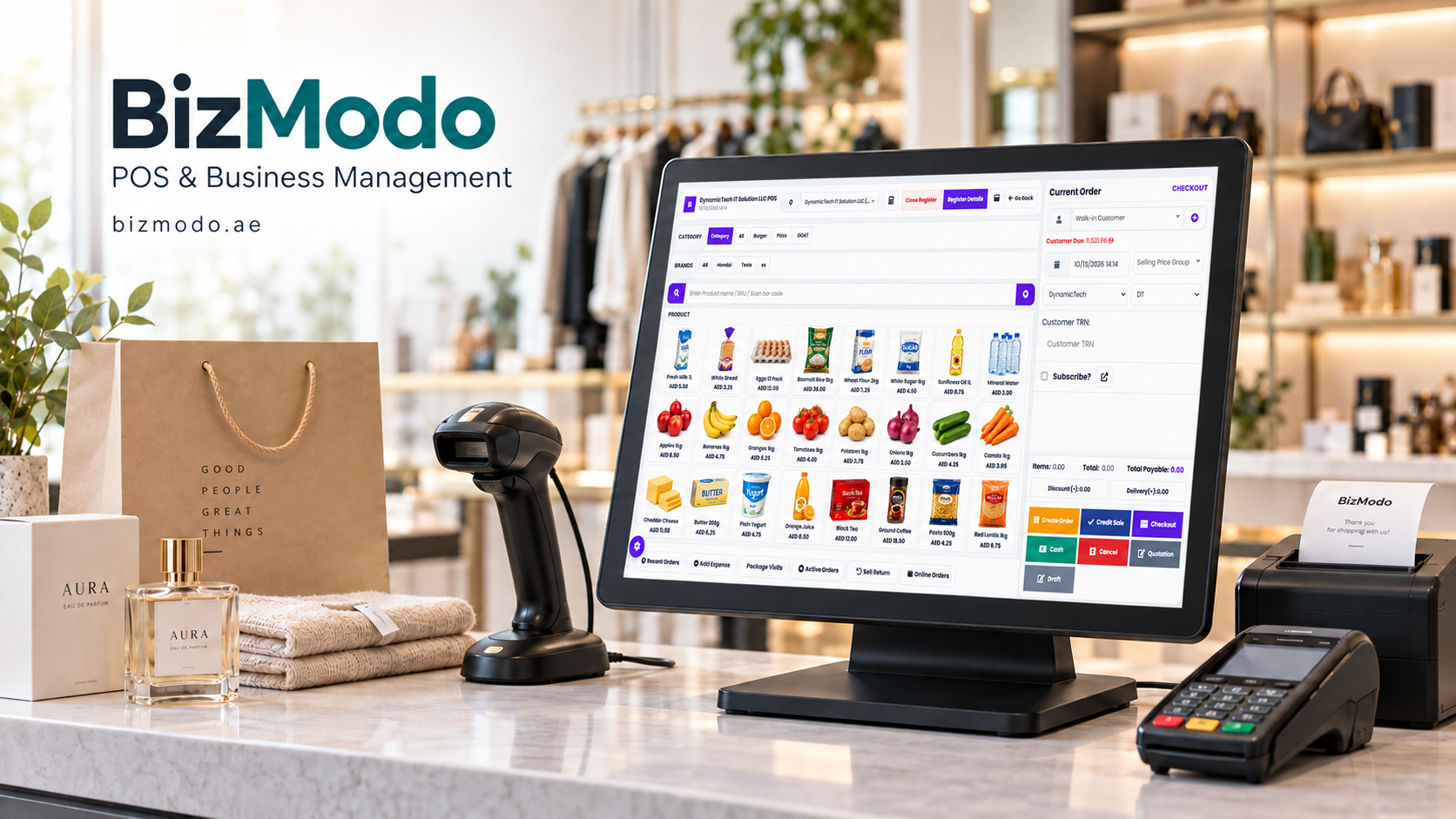
For teams comparing procurement software in the UAE, BizModo is one option to examine through a purchasing demonstration.
Its published purchase documentation describes supplier references, receiving locations, payment terms, document attachments, and statuses for ordered, received, and partially received purchases. Its purchase-list guide also describes payment tracking, returns, filtering, and exports. Knowledge Base
These documented functions provide a starting point for assessing everyday purchasing administration. Ask BizModo separately to demonstrate requisition approvals, supplier quotation comparison, invoice matching, and any other controls essential to your business.
Confirm which capabilities are included in the proposed package and how purchasing records connect with inventory and accounts. Test the configuration with representative products and suppliers before extending it to all locations.
Frequently Asked Questions
Is procurement software only useful for large companies?
No. A smaller company may benefit when several employees place orders, deliveries arrive in parts, or supplier records are difficult to reconcile. The system should match the complexity of the work and the team’s capacity to maintain it.
Can an existing ERP handle procurement?
It may cover the required workflows through a purchasing module. Businesses needing formal sourcing, contract management, or specialised approvals should evaluate those functions explicitly rather than assume they are included.
Does procurement software automatically reduce costs?
No. It can make commitments, price differences, and ordering patterns easier to examine. Savings depend on the decisions people make with that information and the terms they can obtain.
What data should be prepared before implementation?
Prepare consistent supplier and item records, units of measure, open orders, relevant opening balances, and approval responsibilities. Validate the records selected for the pilot before using them to make new purchasing decisions.
Build a Purchasing Process People Can Follow
A well-organised purchasing process gives employees a clear answer to four questions: what was needed, who authorised it, what was accepted, and what remains to be settled.
Choose procurement software in the UAE by testing those questions against a real example from your business. Give particular attention to partial deliveries, changed orders, disputed bills, and urgent requests.
To explore a suitable setup, contact BizModo and request a demonstration based on your purchasing process, locations, and supplier arrangements.



