


How Bright Should an Indoor LED Wall Be for Offices and Meeting Rooms?
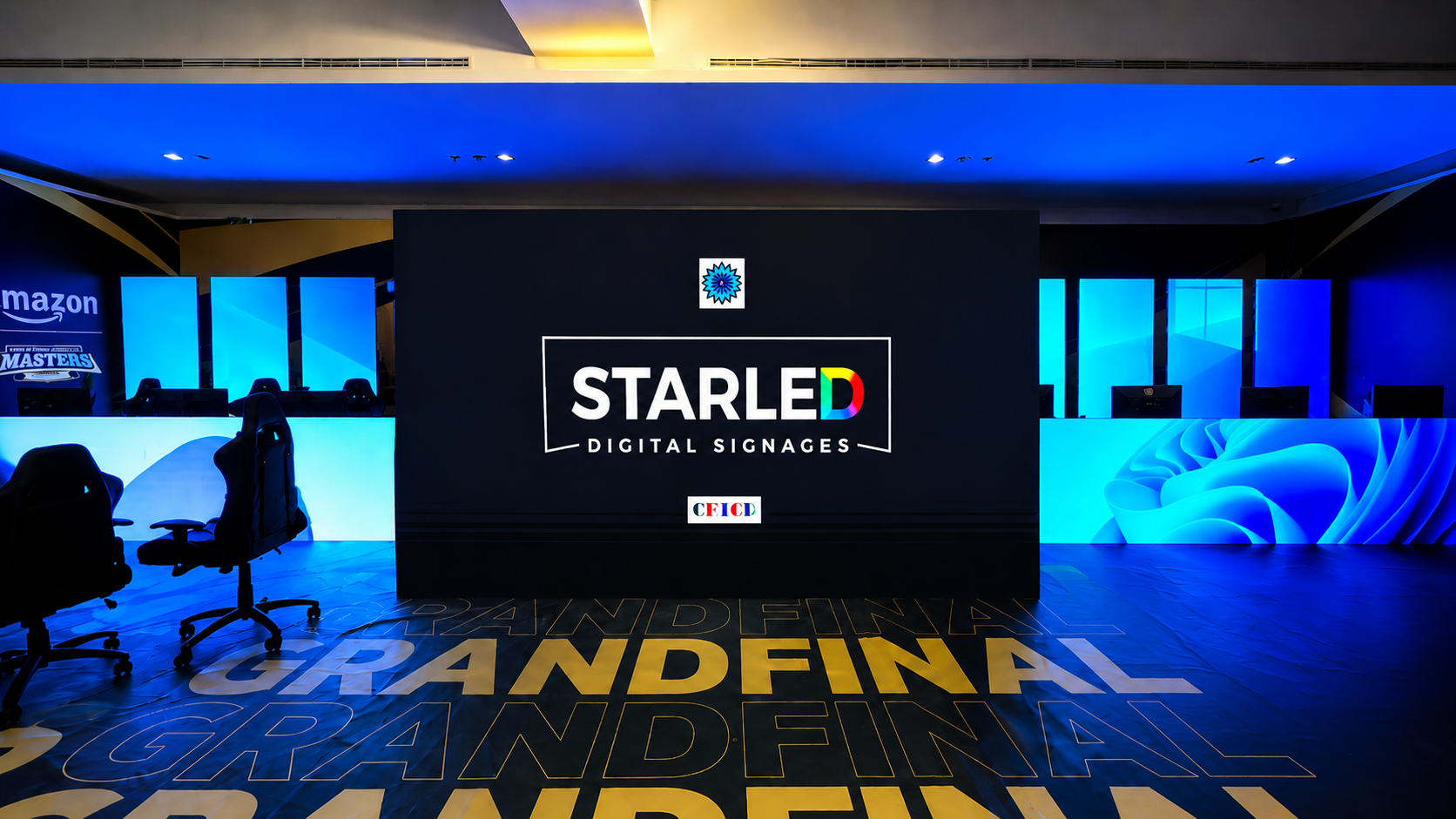
If you’re specifying an indoor LED wall for a boardroom, meeting room, or corporate lobby, you’ve probably seen brightness numbers thrown around like bigger is always better.
It’s not.
In indoor environments, brightness is about comfort, clarity, and control, not maximum output. A screen that’s too dim looks washed out. A screen that’s too bright feels harsh, distracting, and tiring within minutes.
So how bright should an indoor LED wall actually be? Let’s break it down in a way that helps you approve the right spec with confidence.
First: What “Brightness” Really Means
Brightness is measured in nits. It tells you how much light the screen can emit.
But here’s what matters more than the number itself:
-
How bright is the room?
-
How close are people sitting?
-
What content will run most of the time?
-
How long will people look at the screen?
-
Will it be used for video calls?
Indoor LED walls are rarely run at their maximum brightness. The real goal is balance.
A well-calibrated screen at moderate brightness often looks more premium than an overpowered wall blasting light into a dim room.
Why Indoor LED Walls Often Feel “Too Bright”
This is one of the most common complaints after installation.
1. The spec was chosen like it was an outdoor screen
Outdoor displays fight direct sunlight. Indoor rooms don’t.
If brightness is selected as if the room were a roadside billboard, the result is glare and fatigue.
2. White slides amplify brightness
Corporate presentations are usually white backgrounds with dark text. White reflects more light, which makes the screen feel significantly brighter than expected.
3. No brightness control strategy
Brightness shouldn’t be static.
You need:
-
Day vs night adjustment
-
Presentation mode vs video mode
-
Fine dimming control
Without proper tuning, even the right screen can feel wrong.
Brightness by Space Type (Use-Case First)
Instead of chasing a number, start with how the space will be used.
Meeting Rooms
Typical setup:
-
Overhead office lighting
-
Moderate ambient light
-
People seated relatively close
Priority:
-
Text readability
-
Eye comfort
-
Balanced whites
In meeting rooms, brightness should be strong enough to maintain clarity, but soft enough to prevent glare during long sessions.
If people leave the room rubbing their eyes, the screen is too bright.
If text looks dull under lighting, it’s too dim.
Comfort wins here.
Executive Boardrooms
Boardrooms demand more refinement.
You’re balancing:
-
Premium visual finish
-
Hybrid video calls
-
Executive presentations
-
Longer viewing durations
Brightness in boardrooms must work for both:
-
The human eye
-
The camera sensor
Too bright, and skin tones on camera look unnatural.
Too dim, and the wall looks flat and lifeless.
Calibration and post-install tuning matter as much as the brightness spec itself.
Lobbies and Reception Areas
These spaces are brighter and more open.
You may have:
-
Glass facades
-
Daylight spill
-
Reflective surfaces
Here, the LED wall needs more visual punch. But even then, it should feel integrated, not overpowering.
The goal isn’t maximum brightness. It’s controlled visibility that holds up throughout the day.
Control Rooms and Dashboard Walls
In monitoring environments, brightness strategy shifts again.
People look at these walls for hours.
Priorities:
-
Reduced eye fatigue
-
Stable luminance
-
Consistent color
Extreme brightness here causes strain. Uniformity and steady output matter more.
The 6 Real Factors That Decide Indoor Brightness
If you’re evaluating an LED wall, review these before approving anything.
1. Ambient Light Conditions
Large windows? Glass walls? White interiors? Spotlights aimed at the display?
The brighter and more reflective the space, the more carefully brightness must be tuned.
2. Viewing Distance
The closer viewers sit, the more sensitive they are to harsh light.
Close viewing requires refinement, not intensity.
3. Content Type
-
Slides and spreadsheets require comfort.
-
Brand films can tolerate stronger brightness.
-
Dashboards need consistent contrast.
Brightness must match content reality.
4. Viewing Duration
Short meetings allow slightly stronger brightness.
Three-hour strategy sessions demand comfort.
5. Hybrid Video Calls
Brightness directly affects camera exposure and perceived image quality.
A well-balanced LED wall enhances video calls. A poorly tuned one creates glare and visual noise.
6. Dimming and Control Options
Look for:
-
Smooth brightness adjustment
-
Presets for different scenarios
-
Scheduled profiles
-
Professional calibration during commissioning
A static screen is rarely the right screen.
What to Ask Before Approving a Spec
Use this checklist to compare vendors properly:
-
What brightness level will the screen actually run at in my room?
-
How does it perform with white presentation slides?
-
Is fine brightness adjustment supported?
-
Is calibration included in commissioning?
-
Can you demonstrate it in similar lighting conditions?
-
How does it behave on camera during video calls?
If those answers are vague, keep asking.
Common Indoor Brightness Mistakes
-
Comparing only maximum brightness numbers
-
Assuming higher nits equals higher quality
-
Ignoring reflections and room finishes
-
Testing only with demo videos
-
Skipping post-install brightness tuning
Indoor LED performance is about precision, not power.
The Bottom Line
Indoor LED brightness isn’t about the biggest number.
It’s about creating a screen that feels comfortable, readable, and refined throughout the day.
When brightness matches:
-
Room lighting
-
Viewing distance
-
Content type
-
Viewing duration
The wall feels effortless.
That’s when you know it’s right.
What We Do
At StarLED Display, we approach indoor LED installations with a space-first mindset.
We help you:
-
Evaluate room lighting and reflections
-
Choose the right brightness range
-
Align pixel pitch with seating distance
-
Calibrate the wall during commissioning
-
Tune brightness for real-world use
We provide structured installation, calibration, and support planning, along with up to 7-year warranty options depending on configuration and project scope.
If you’re planning an indoor LED wall for a meeting room, boardroom, or corporate space, share:
-
Room photos
-
Seating distance
-
Screen size
-
Primary use case
We’ll recommend the right brightness strategy and LED configuration for your environment.
References
- Goth Lifestyle
- Fashion & Style
- Music & Bands
- Art & Photography
- Creative Writing & Poetry
- Events & Scene
- Occult & Spirituality
- DIY & Tutorials
- Beauty & Self-Care
- Relationships & Dating
- Gaming & Media
- Tech & Gadgets
- Body Art & Piercings
- Underground Culture
- Spotlights & Interviews
- Travel & Places
- Lifestyle & Daily Life
- Fitness & Health
- Travel & Adventure
- Books & Literature
- Tech & Gaming
- Movies & TV
- Food & Drinks
- Humor & Memes
- Pets & Animals
- General Arts & Crafts
 English
 Arabic
 French
 Spanish
 Portuguese
 Deutsch
 Turkish
 Dutch
Dutch
 Italiano
 Russian
 Romaian
 Portuguese (Brazil)
 Greek
Greek
