

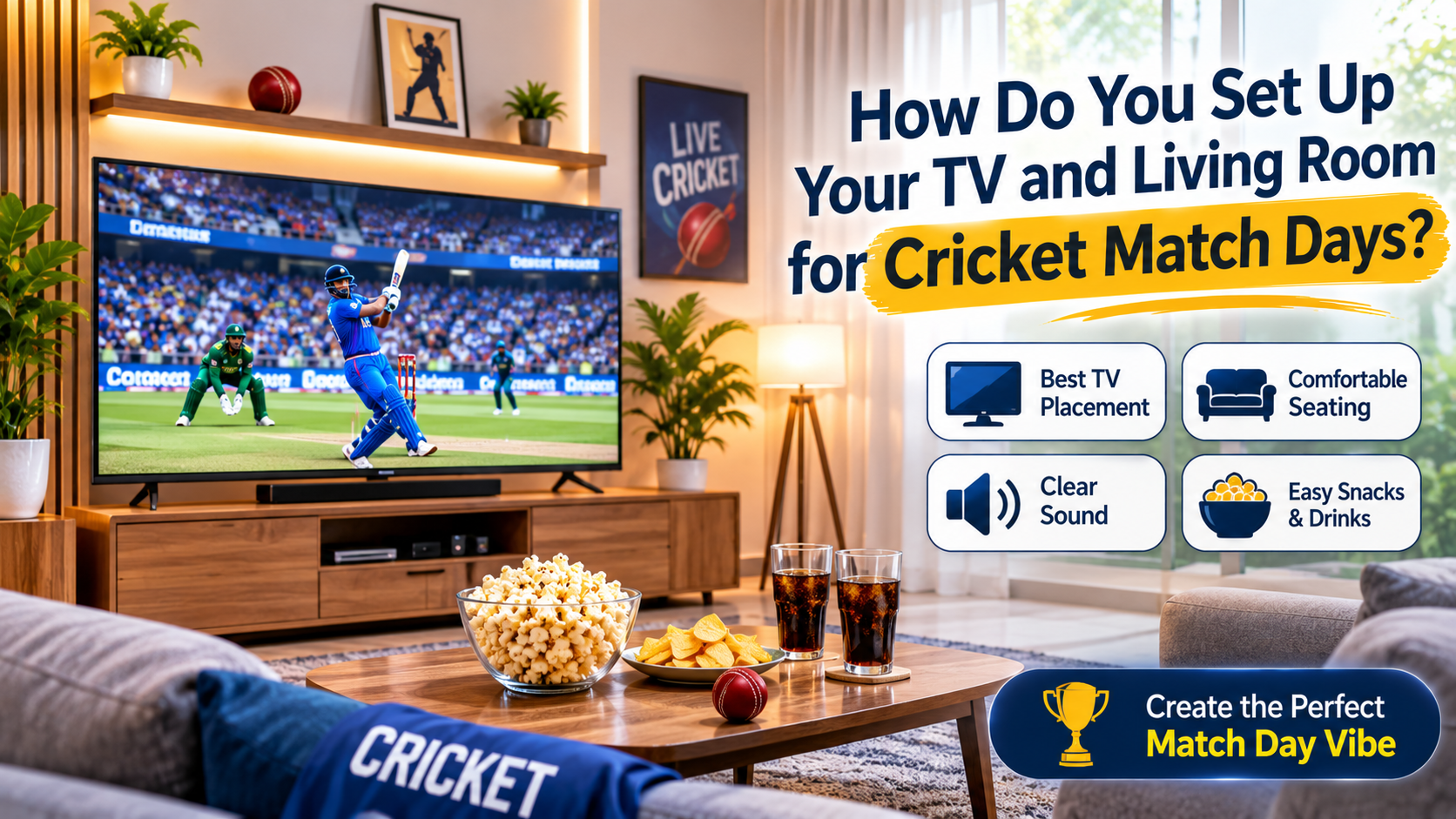

A big cricket match turns a living room into a small stadium. Fifteen relatives arrive, the sofa is not big enough, someone cannot see the screen, the sound is too quiet and the power goes out at the worst moment. Most of these problems are predictable, and a little preparation makes the day far more enjoyable.
Picture quality is the first decision for many families. Those who compare android led tv price in Pakistan listings before a major tournament should look beyond screen size at refresh rate, viewing angles, sound and streaming support. This guide covers screen size, picture settings, sound, seating, power backup and snacks.
What Screen Size Works for a Group?
Group viewing needs a bigger screen than solo viewing, and the seating distance matters most.
| Furthest viewer | Suggested screen size | Notes |
|---|---|---|
| 6 to 8 feet | 43 to 50 inch | Small gathering |
| 8 to 10 feet | 55 inch | Typical living room |
| 10 to 12 feet | 65 inch | Larger hall, bigger group |
| More than 12 feet | 65 inch or larger, or a second screen | Consider a projector or a second TV |
People sitting to the side see a dimmer, washed-out picture on some panels, so check viewing angles in the showroom, not only the front view. Place the TV at the center of the main seating, with chairs arranged in a shallow curve, not in a long line.
Which Specs Matter Most for Sports?
Fast action on the field exposes weak panels, so a few specs matter more than usual.
| Spec | Why it matters for cricket | What to look for |
|---|---|---|
| Refresh rate | Smooth ball and player movement | 60 Hz is adequate, higher helps with fast motion |
| Resolution | Sharp view of the pitch and scoreboard | Full HD for mid sizes, 4K for large screens |
| Brightness | Daytime matches in a bright room | A brighter panel handles windows and lights |
| Viewing angle | Everyone sees a good picture | Wide angles help large groups |
| Motion handling | Reduces blur on the ball | Use the sports or motion mode if available |
| Sound output | Commentary and crowd noise | Clear dialogue, optional sound bar |
| Smart features | Streaming and apps | Enough memory for smooth apps |
Do not pay for a feature you will not use, and compare real demonstrations when you can.
How Do You Set the Picture for Sports?
Factory settings are often tuned for showroom brightness, not for a living room.
- Switch from vivid to sports or standard mode
- Raise the backlight in a bright room, and lower it in the evening
- Set the aspect ratio to the native or full setting, to avoid cropping the scoreboard
- Turn on motion smoothing only if the picture looks smeared. Some people find it makes the picture look artificial, so test it
- Reduce extra sharpening, which can create halos around players
- Adjust the color temperature to warm or neutral
Save these settings if the TV allows it, and check them before the match starts.
What About Small Rooms and Bedrooms?
Not every home has a large lounge, and many people watch in a bedroom or a small family room. Shoppers checking Nobel LED 32 inch price in Pakistan listings for a smaller space should remember that a 32-inch screen suits a viewing distance of about four to six feet, so it works well for one to three people, but it is too small for a crowd. Use a stand at eye level, keep glare off the screen and consider a sound bar or headphones if others are sleeping nearby.
How Do You Improve the Sound?
Built-in speakers are usually thin, and match commentary suffers when the room is noisy.
| Option | Pros | Cons |
|---|---|---|
| TV speakers only | No extra cost | Weak sound, low bass |
| Sound bar | Clearer dialogue, easy setup | Extra purchase and socket |
| Home theater system | Fuller sound | Needs more space and wiring |
| Bluetooth headphones | Private listening | Not shared with the group |
If you use a sound bar, connect it through the HDMI ARC port if available, and keep the volume at a level that does not disturb neighbors.
Cable, Dish or Streaming: Which Is Better?
| Source | Strengths | Weaknesses |
|---|---|---|
| Cable or dish | Reliable, low delay | Quality depends on the provider |
| Streaming over Wi-Fi | Flexible, many options | Needs a stable connection, may have delay |
| Mobile hotspot | Backup option | Data cost and weaker stability |
Streaming can show events a few seconds behind live TV, so group chats and phone alerts may spoil moments. Test your connection before the match, place the router close to the TV and use a wired LAN cable for the most stable signal.
How Do You Plan for Load-Shedding?
A power cut at a crucial moment is the classic match-day disaster.
- Check the schedule and plan a backup before the match
- Use a UPS or inverter rated well above the TV’s wattage, and include the router and set-top box in your calculation
- Most TVs draw about 40 to 150 W, while sound bars and set-top boxes add a little more
- Avoid connecting heaters, kettles or air conditioners to a small UPS
- Keep a power bank and a charged phone for score updates
- Use a surge protector or stabilizer, since voltage spikes often follow a power return
- Unplug electronics during storms
| Device | Typical power |
|---|---|
| 43 inch LED TV | 60 to 90 W |
| 55 inch LED TV | 90 to 150 W |
| Set-top box | 10 to 20 W |
| Router | 5 to 15 W |
| Sound bar | 20 to 60 W |
Add up the devices and compare the total with your UPS capacity.
How Do You Arrange Seating and Lighting?
- Arrange seating so everyone has a clear view, and avoid blocking sight lines with furniture
- Place extra chairs and cushions near the front, and keep walkways open
- Dim overhead lights slightly, but do not watch in complete darkness, since it strains the eyes
- Close curtains on bright days to reduce glare
- Keep cables tidy, so no one trips over them
- Keep a small table or tray for drinks and food
What Snacks Work Best Without Missing the Game?
Cooking during a match means missing the match, so choose items you can prepare before or serve quickly.
| Snack | Preparation | Serving tip |
|---|---|---|
| Chaat and fruit chaat | Prepare ingredients earlier | Mix just before serving |
| Samosas and rolls | Freeze in advance | Fry or bake during a break |
| Sandwiches | Prepare fillings earlier | Toast in batches during overs |
| Popcorn and nuts | Quick | Serve in bowls |
| Cold drinks and tea | Stock up | Keep a flask and a jug ready |
A press-style toaster is especially useful, since it makes warm sandwiches in minutes with no stove and no smoke. Hosts checking sandwich maker price in Pakistan listings should look for a non-stick coating, a firm latch and a cool-touch handle, and use a dedicated socket, since it draws 750 watts or more.
What Is a Quick Match-Day Checklist?
| Item | Done |
|---|---|
| TV picture and sound settings checked | |
| Internet or cable tested | |
| Backup power ready | |
| Seating arranged | |
| Snacks and drinks prepared | |
| Remote and spare batteries found | |
| Charging points available |
Frequently Asked Questions
1. What TV size is best for a family watching cricket?
For a typical living room with viewers at 8 to 10 feet, a 55-inch screen is a comfortable choice. Smaller rooms do well with 43 to 50 inches.
2. Does a higher refresh rate matter for cricket?
It helps with smooth motion, but 60 Hz is adequate for most viewers. Good motion handling and brightness often matter more.
3. Can I run a TV on a UPS during a power cut?
Yes, if the UPS rating is well above the total wattage of the TV, router and set-top box. Avoid adding heaters or kettles to the same UPS.
4. Why is my streamed match behind live TV?
Streaming usually adds a delay of a few seconds. A wired connection and a stable network can reduce stutter, but not the built-in delay.
5. How can I reduce glare on the screen?
Place the TV away from windows, close curtains and keep lights behind or beside the screen, not in front of it.
Final Thoughts
A good match day at home depends on preparation: choose a screen that suits your room and your group, set the picture for sports, add clear sound, test your connection and plan a power backup. Arrange seating so everyone can see, and prepare snacks that do not take you away from the game. Check everything an hour before the first ball, and the rest of the day takes care of itself.