

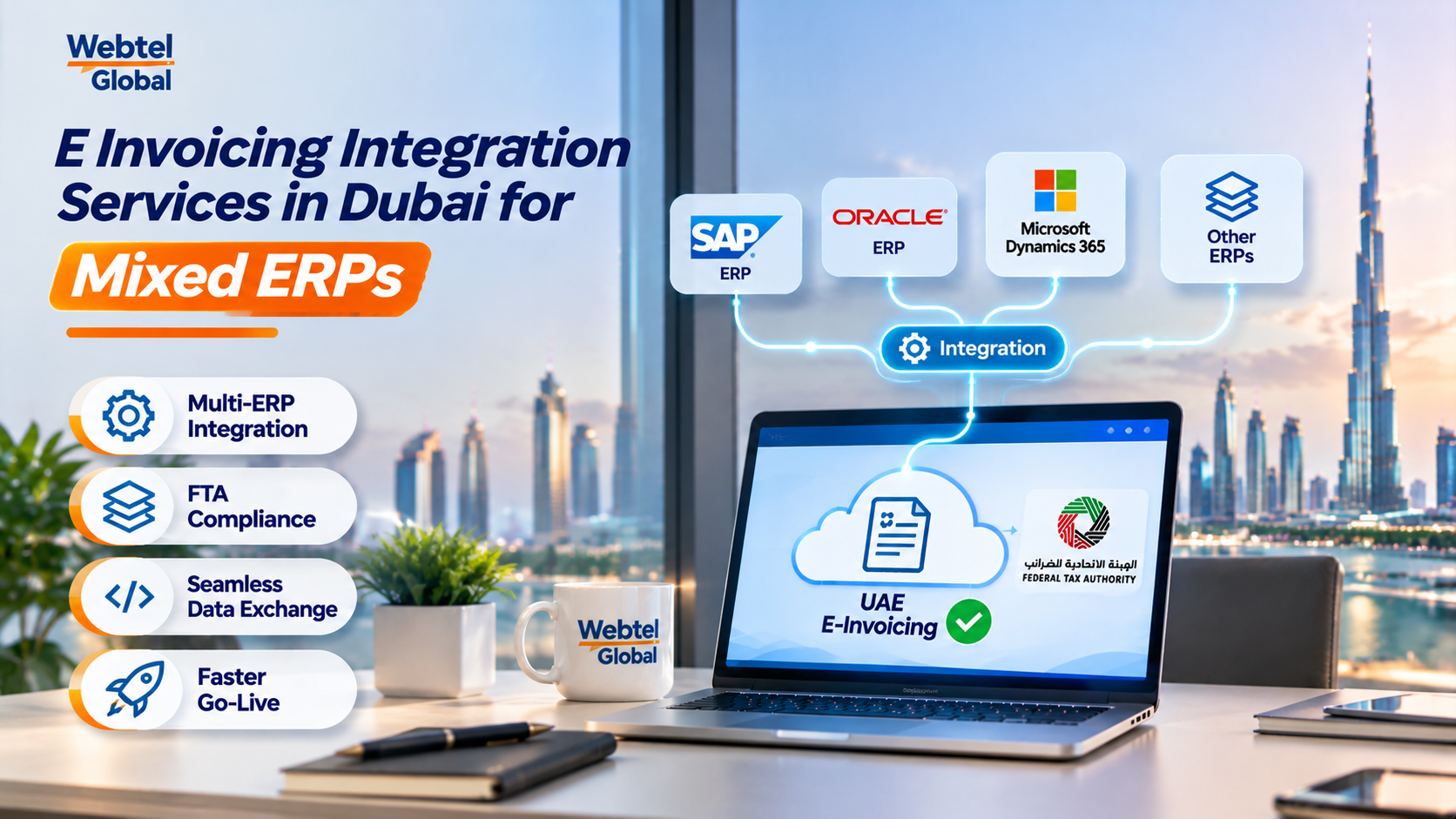

A Dubai group runs one ERP at head office, an older system in the warehouse and Excel at a small trading unit. Each issues invoices differently, yet all three must soon produce structured e-invoices. That is why e invoicing integration services in Dubai start with a landscape review, not a connector.
The short answer: integration connects every system that creates an invoice to your accredited service provider (ASP), so each invoice leaves in the same structured format. The best design is usually the one with the fewest connections to maintain. Before you compare e invoicing integration services in Dubai, count your invoice sources rather than your ERPs.
As of November 2026, UAE e-invoices travel from your system to your ASP, then across the Peppol network to the buyer’s ASP, with tax data reported to the Federal Tax Authority. Your ERP never connects to the government directly. Every integration decision therefore ends at your ASP.
What Does Integration Mean When You Run More Than One ERP?
It means one consistent route from every invoice source to the ASP, with one set of rules for data, numbering and status. The number of ERPs matters less than the number of different ways invoices are created.
Use this short inventory:
- Sources: List every system, template or person that creates an invoice, including spreadsheets and billing portals.
- Formats: Note whether each source can output structured data, or only a PDF or printout.
- Owners: Name who maintains each source, because every unowned source becomes a gap.
- Volumes: Rank sources by monthly invoice count so the busiest get integrated first.
- Timing: Check whether invoices are issued in real time, in batches or at month end.
Hypothetical landscape: one SAP-based head office, one older warehouse system and one spreadsheet unit give three sources but only two real integration problems. The spreadsheet unit should probably move into the main ERP first.
Two ERPs with clean data often cost less to integrate than one ERP with five manual workarounds.
Which Integration Pattern Fits Your ERP Landscape?
Three patterns cover most Dubai setups. Choose by how many sources you have and how much control you need.
- Direct connection: Each ERP connects to the ASP on its own. It suits one or two modern systems, but every extra ERP adds another connection to maintain and test.
- Central hub: A middleware layer collects invoices from all systems, converts them once to the PINT AE structure and sends them to the ASP. It suits mixed landscapes, though the hub becomes a system you must support.
- File-based exchange: Older systems export invoice data files, and a scheduled job picks them up. It works for legacy ERPs without an API, but adds delay and needs careful error handling.
- Hybrid: Modern ERPs connect directly while legacy sources feed the hub. Many mixed landscapes end up here.
Decision rule: if you have three or more invoice sources, or any source without an API, price a hub or hybrid design before accepting a direct-connection quote.
Which options exist also depends on your ASP, so confirm its supported interfaces before you fix the design of any e invoicing integration services in Dubai you buy.
Cost follows the same logic. A direct connection is cheapest on day one, while a hub costs more upfront but saves repeated testing each time you add a system or an ASP changes its interface.
How Does E-Invoicing API Integration Work for One Invoice?
An invoice is created, converted, validated, sent and then tracked until delivery is confirmed. Each step can fail, so each needs a status your team can see.
A well-built e-invoicing API integration automates this loop, so finance reviews exceptions instead of every invoice.
- Create: The ERP finalises and approves the invoice.
- Convert: Data is mapped to PINT AE fields, such as seller and buyer identifiers and tax breakdown.
- Validate: Mandatory fields and formats are checked before sending, ideally inside your own system.
- Submit: The integration passes the invoice to the ASP and stores the reference it returns.
- Track: Status updates flow back to the ERP, so staff see sent, failed or pending without leaving it.
- Correct: A fix creates a credit note or replacement linked to the original, never a silent edit.
Place validation inside your own system where possible. Catching a missing buyer identifier at approval takes seconds; catching it after an ASP rejection takes a support ticket.
The steps above are simplified. Always map to the Ministry’s current field list and your ASP’s documentation.
What Breaks When Several ERPs Share One Integration?
Shared numbering, duplicate sends and out-of-sync statuses cause most failures. They only appear once volume rises.
- Duplicate invoice numbers: Two ERPs using the same number series produce clashes that the ASP may reject. Give each source its own prefix or a central numbering rule.
- Retry duplicates: A timeout can trigger a second send of an invoice already delivered. Use a unique key per invoice so retries are safe.
- Status drift: The ERP shows “sent” while the ASP shows “failed”. Reconcile statuses on a schedule, not only on demand.
- Cross-system credit notes: A credit note raised in ERP B against an invoice from ERP A needs a reliable reference to the original.
- Master data splits: The same customer carries different registration numbers in each system. Merge or map them before go-live.
Hypothetical scenario: a retailer’s two ERPs both issue invoice 1001 on the same day. Without a prefix rule, one is rejected, finance renumbers it by hand, and the audit trail breaks.
How Should You Test E Invoicing Integration Services in Dubai Before Go-Live?
Test with messy real-world cases, not only clean invoices. A passing demo proves little.
- Data quality gate: Block invoices with missing mandatory fields before they leave the ERP.
- Volume run: Send a full day’s invoices in one batch and check nothing is dropped.
- Rejection drill: Force a validation failure and confirm the right person sees it within the day.
- Outage test: Switch the connection off briefly and confirm invoices queue and resend without duplicates.
- Credit note path: Raise credit notes across systems and trace each to its original.
- Receiving flow: Receive supplier invoices through the ASP and check they reach the right ERP and approver.
- Support handover: Confirm who is called, and how fast, when a send fails at month end.
Decision rule: do not go live until every test above has a recorded result, because untested failure paths surface on the busiest invoicing day.
Pick the e invoicing integration services in Dubai that give you one visible route for every invoice, not the longest list of connectors. No integration guarantees compliance, so confirm dates, formats and ASP requirements against the latest Ministry of Finance guidance before you build.