

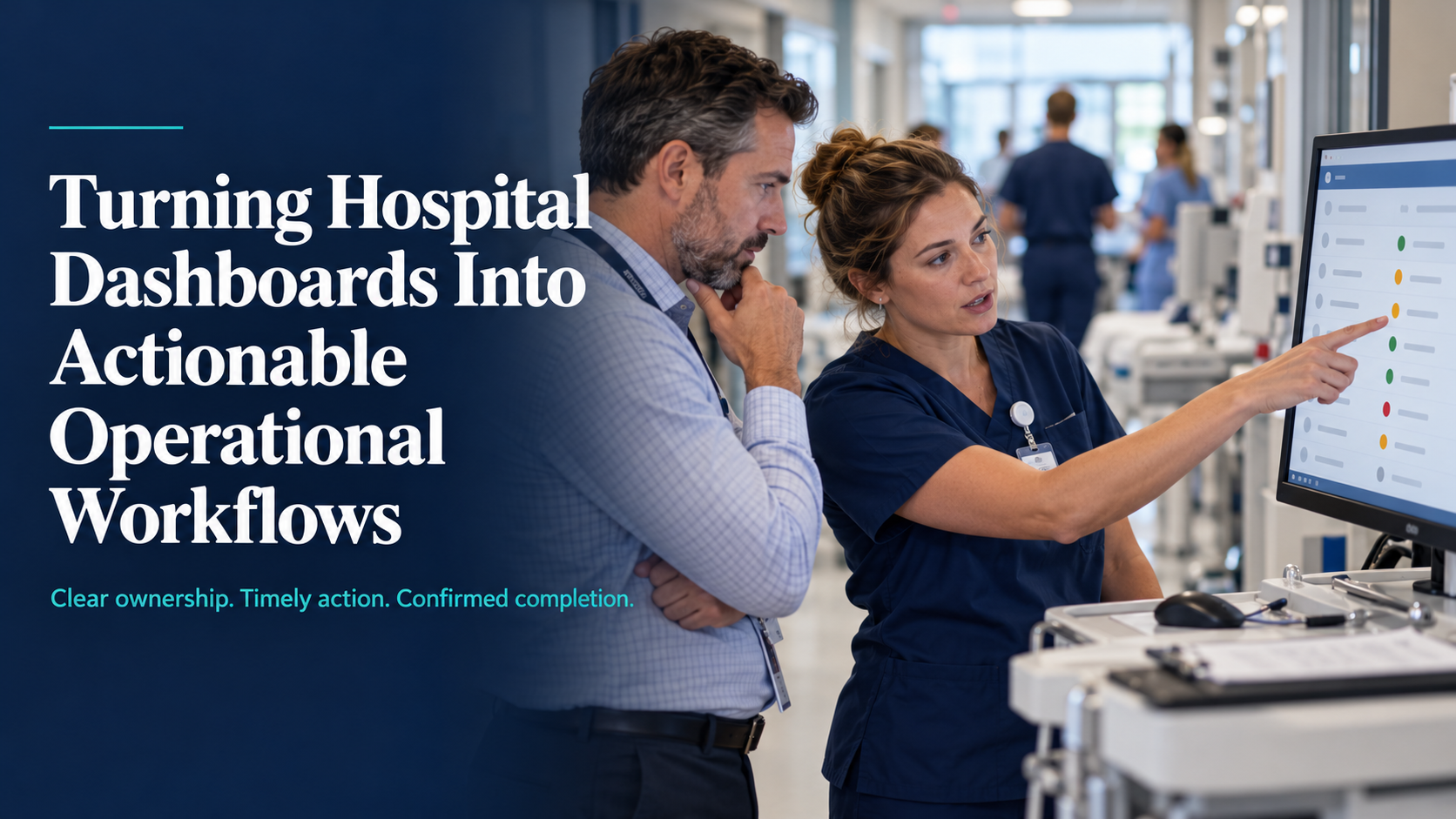

A hospital dashboard shows six patients waiting for beds. The bed manager sees the queue, but still needs several phone calls to find out which rooms need cleaning, where staffing is unresolved and who is arranging transport.
The information is visible. The next step is still unclear.
For hospital COOs, CIOs and patient-flow leaders, the challenge is connecting each operational signal to a decision, an owner and a completed action.
Here is how to approach that work.
1. Show what is blocking progress
A label such as “transfer delayed” tells staff where to look. It does not tell them what to do.
For each delayed transfer, make the immediate blocker visible:
- Room: Is cleaning or equipment preparation outstanding?
- Receiving team: Has the ward confirmed readiness?
- Transport: Has the movement been requested and assigned?
- Information: Is a required handoff incomplete?
Include when the status was updated and who is responsible for the next step. If the cause is unknown, assign someone to investigate.
Practical takeaway: Review a sample of delayed transfers. Identify the questions staff repeatedly answer by phone. Those are the information gaps worth addressing first.
2. Identify whether the problem is coordination or capacity
An unanswered request and a fully occupied team need different responses.
| What is happening? | What needs attention? |
|---|---|
| A cleaning request never reached the team | Task routing and acknowledgment |
| The team received it but has competing priorities | Workload and prioritization |
| Cleaning is complete, but the bed status is unchanged | Status updates and system integration |
| The room is ready, but receiving arrangements remain unresolved | Ownership of the next handoff |
This distinction helps prevent unnecessary alerts. Repeated reminders cannot create capacity when every available team member is already assigned.
Give staff a way to record the blocker and escalate it to someone who can make the relevant decision.
3. Give each signal a defined response
Before configuring notifications, agree on five elements:
- Trigger: What event requires attention?
- Owner: Which role accepts responsibility?
- Action: What should that person do?
- Escalation: Who intervenes if work cannot proceed?
- Completion: What confirms that the task is finished?
Avoid assigning a task to “the ward” without identifying how someone accepts it. Shared visibility should not leave responsibility uncertain.
Agree response expectations with the teams doing the work, including coverage during nights and shift changes.
4. Build the workflow around a real handoff
Consider this illustrative room-turnaround workflow:
- Departure recorded: The appropriate source system records that the patient has left.
- Cleaning requested: A task reaches the environmental-services queue.
- Assignment accepted: The responsible team acknowledges it or records a blocker.
- Cleaning completed: Completion updates the relevant room status.
- Readiness confirmed: Outstanding staffing, equipment and receiving requirements are checked.
Cleaning completion must not automatically mean the bed is available for admission.
The dashboard should help staff distinguish these stages and see which action remains outstanding. Clinical decisions must remain with the responsible care team.
5. Remove duplicate work before adding features
Ask frontline staff to demonstrate how they update a task today.
Look for:
- The same status entered into multiple systems.
- Phone calls made only to repeat an existing update.
- Completed tasks that remain open elsewhere.
- Unresolved assignments lost during shift changes.
Identify which system owns each status. Then assess whether existing interfaces can carry updates into the tools other teams already use.
Show stale or failed updates clearly, and establish a fallback for outages. Staff should not have to guess whether the screen reflects current conditions.
6. Measure whether the workflow helps
Pilot one process before expanding. Record a baseline, then compare:
- Time from request to acknowledgment.
- Time from acknowledgment to completion.
- Coordination calls and duplicate entries.
- Unresolved tasks carried into the next shift.
- Staff time spent maintaining the system.
Review individual delayed cases alongside averages. Faster acknowledgment may simply move the waiting time to another department.
Ask staff one direct question: “What do you still have to chase?”
Their answers can reveal work the dashboard has not addressed.
Conclusion
Start with one recurring delay, trace the handoffs and identify what prevents the next action.
This is a practical starting point for healthcare digital transformation: understanding where workflows break down before investing in solutions. The review should guide decisions about clearer responsibility, better integration or additional operational capacity. An effective hospital dashboard helps teams identify what needs attention, act within their responsibilities and confirm that the work is complete.



