

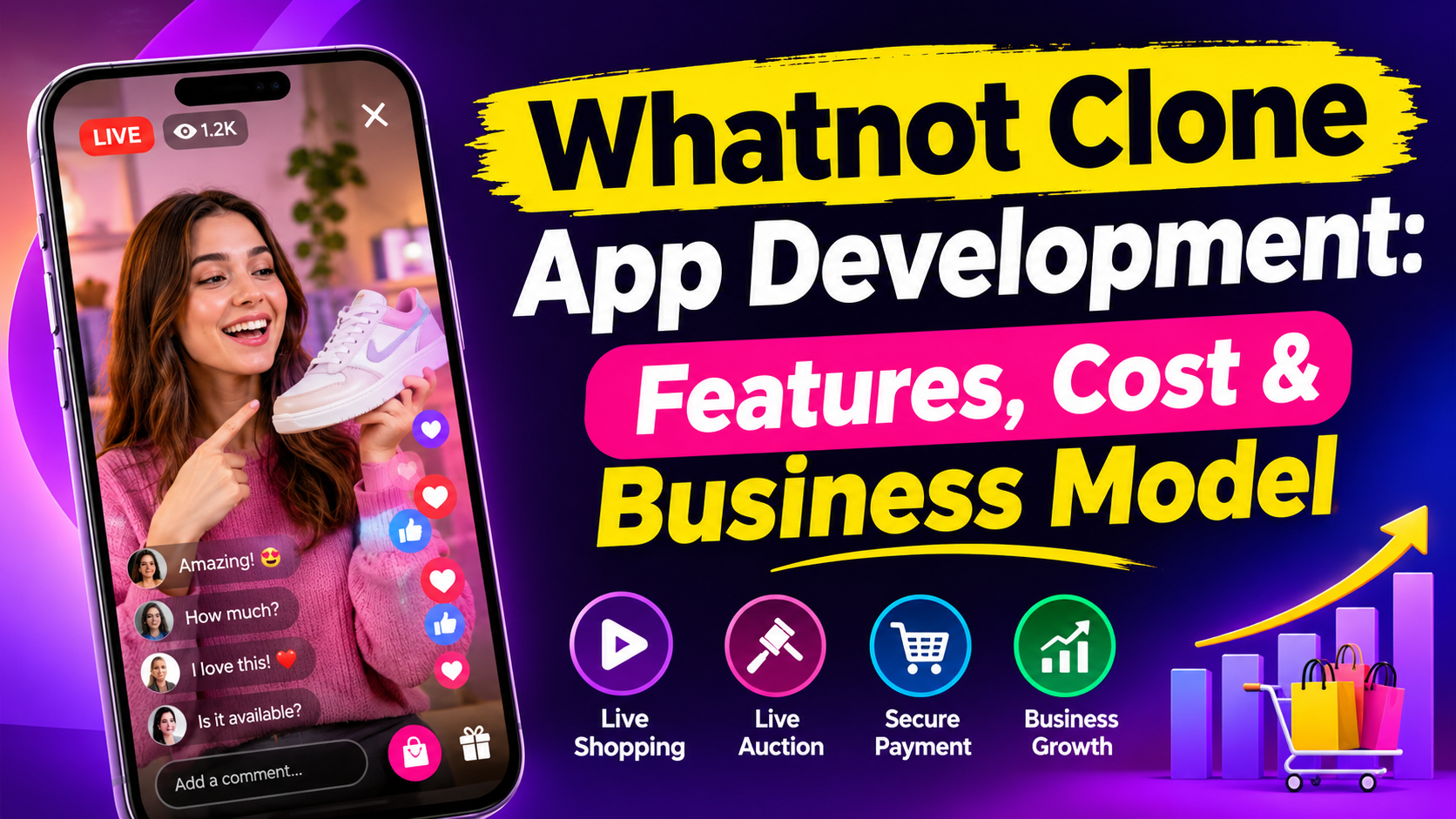

Online shopping is changing fast. People no longer want to only browse product images and read descriptions. Many shoppers now enjoy watching products live, asking questions, and buying items during live shows.
This trend has created new opportunities for live shopping platforms. Whatnot is one example of a platform that combines live video, auctions, and online shopping.
Its business model has attracted the attention of startups and entrepreneurs. Many businesses now want to build similar platforms for their own markets.
This is where Whatnot clone app development comes in. It helps businesses launch a live shopping marketplace where sellers can show products, interact with buyers, and sell items in real time.
But what features should such an app include? How much does development cost? And how can the platform make money?
Let's explore everything step by step.
What Is a Whatnot Clone App?
A Whatnot clone app is a live shopping and auction platform inspired by the core concept of Whatnot.
It allows sellers to host live video sessions and display products to viewers. Buyers can watch these sessions, ask questions, place bids, and purchase products.
The platform can support different product categories, such as:
-
Collectibles and trading cards
-
Fashion and accessories
-
Toys and games
-
Electronics
-
Sports merchandise
-
Art and handmade products
A business can customize the app based on its target market. It can also add its own branding, payment options, and selling rules.
The main goal is to create a simple shopping experience where buyers and sellers can interact directly.
Why Invest in Whatnot Clone App Development?
Live shopping combines entertainment and online shopping. It gives buyers a chance to see products in action before making a purchase.
Here are some reasons why businesses may consider this model.
1. Interactive Shopping Experience
Traditional shopping often depends on product images and written details. Live shopping adds real-time interaction.
Buyers can ask questions and get answers during a live session. Sellers can explain product details and show items from different angles.
2. Better Seller and Buyer Engagement
Live video helps sellers connect with their audience. They can explain product features, answer questions, and build trust.
This can make the shopping experience more engaging.
3. Multiple Product Categories
A live marketplace can support different types of products.
Businesses can start with one niche, such as collectibles or fashion. Later, they can add more categories based on customer demand.
4. Flexible Revenue Opportunities
A live shopping platform can earn through seller commissions, transaction fees, subscriptions, and promotional listings.
This creates different ways to build a business.
Essential Features of a Whatnot Clone App
Features play a major role in the success of a live shopping marketplace. The app should be easy to use for both buyers and sellers.
Here are the key features to include.
1. User Registration and Login
Users should be able to create accounts quickly.
Offer email registration, phone verification, and social login. Buyers and sellers should also have access to profile settings.
2. Seller Registration and Profiles
Sellers need a dedicated profile to manage their products and live shows.
Include seller details, ratings, product listings, and order history. This helps buyers learn more about the people they purchase from.
3. Live Video Streaming
Live streaming is the core feature of a Whatnot-like app.
Sellers should be able to start live sessions and show products in real time. Buyers should be able to watch, comment, and interact during the stream.
The video player should work smoothly on different devices.
4. Live Auction and Bidding
An auction system allows sellers to offer products for bidding.
Buyers can place bids during a live session. The app should display the current bid and remaining auction time.
Use clear rules to prevent confusion. The platform should also handle bid updates and auction results accurately.
5. Product Listings and Categories
Sellers should be able to add products with images, descriptions, prices, and stock details.
Buyers should be able to browse categories and search for specific products.
Filters can make it easier to find relevant items.
6. In-App Chat and Comments
Live chat allows buyers to ask questions during a show.
Sellers can answer questions and explain product details. Add moderation tools to reduce spam and harmful messages.
7. Secure Payment Integration
A secure payment system is essential for online shopping.
Support suitable payment methods for your target market. The platform should also provide payment records, order details, and refund support.
8. Push Notifications
Notifications help users stay informed.
Send alerts for upcoming live shows, auction updates, order status, payment confirmation, and seller activity.
Give users control over notification settings.
9. Ratings and Reviews
Buyers should be able to review sellers and products after a purchase.
Ratings help users make better decisions. They can also encourage sellers to provide good service.
10. Admin Dashboard
An admin dashboard helps business owners manage the marketplace.
It should include:
-
User and seller management
-
Product listing management
-
Live stream monitoring
-
Auction management
-
Payment tracking
-
Commission settings
-
Reports and analytics
-
Complaint handling
These tools help keep the platform organized.
How to Build a Whatnot Clone App
Building a live shopping platform requires careful planning. Follow these steps to create a reliable product.
Step 1: Research Your Market
Start by studying your target audience.
Find out which products people want to buy through live shopping. Study competing platforms and review their features, pricing, and user feedback.
Choose a clear niche before starting development.
Step 2: Define Your Business Requirements
Decide how your platform will work.
Will it focus on live auctions, fixed-price products, or both? Will sellers pay a commission? Which payment methods will you support?
Answering these questions will help define the project scope.
Step 3: Plan the Main Features
Prepare a list of features for buyers, sellers, and admins.
Start with account creation, seller profiles, live streaming, product listings, bidding, and payments.
You can add advanced features after the first version is tested.
Step 4: Choose the Right Technology
Select technology based on your platform needs.
For example, you may use React Native or Flutter for mobile apps. Node.js or Python can support backend development.
Choose a reliable video streaming service to manage live sessions. Also, select a secure database and cloud hosting provider.
Step 5: Design the User Interface
Create a clean and simple design.
Buyers should be able to discover live shows and products easily. Sellers should be able to start streams and manage listings without confusion.
Focus on easy navigation and a smooth checkout process.
Step 6: Develop and Integrate Features
Build the frontend and backend. Connect live streaming, bidding, payment, and notification services.
Make sure the auction system updates bids in real time. Also, ensure that payments and order records remain accurate.
Step 7: Test and Launch
Test the app on different devices and network conditions.
Check video quality, bidding speed, payment security, and app performance. Run a small launch with selected sellers before opening the platform to more users.
What Is the Cost of Whatnot Clone App Development?
The cost of developing a Whatnot clone app depends on the features, design, technology, and development approach.
A simple platform with basic live streaming and shopping features will need fewer resources than an advanced marketplace with real-time auctions and complex integrations.
Some factors that affect the cost include:
App Platforms: Developing Android, iOS, and web versions can affect the total budget.
Live Streaming: Video infrastructure, bandwidth, and streaming quality can add to operating costs.
Auction Features: Real-time bidding requires reliable systems and accurate bid processing.
Payment Integration: Payment gateways, refunds, and transaction management need proper setup.
UI and UX Design: Custom designs and advanced user experiences can increase development work.
Maintenance: Updates, security checks, bug fixes, and cloud hosting add ongoing costs.
There is no single price for every project. Businesses should first prepare a feature list and request a detailed development estimate.
Business Model of a Whatnot Clone App
A clear business model helps the platform generate revenue.
Here are some common ways to earn money.
1. Seller Commission
Charge sellers a percentage of each successful sale.
For example, the platform can collect a commission when a buyer completes an order.
2. Transaction Fees
The business can charge a service fee on selected transactions. Make all fees clear before checkout.
3. Seller Subscription Plans
Offer monthly or yearly plans to sellers.
Premium plans can include advanced analytics, extra listing options, or promotional tools.
4. Featured Listings
Allow sellers to pay for better product visibility.
Featured products can appear in selected sections of the marketplace.
5. Promotional Services
Businesses can offer paid promotional opportunities for sellers who want to reach more buyers.
Choose revenue options that provide value without making the shopping experience difficult.
Ready-Made Whatnot Clone Solution vs Custom Development
Businesses can choose between custom development and a ready-made Whatnot clone solution.
Custom development offers more control over the design, features, and technology. However, it may require more time and development resources.
A ready-made solution provides an existing foundation that can be customized with your branding and business requirements. It may help reduce initial development work and speed up the launch process.
Before choosing a provider, check the following:
-
Live streaming capabilities
-
Real-time auction features
-
Payment integration
-
Customization options
-
Source code ownership
-
Security standards
-
Technical support
-
Scalability
Companies such as CloneAppz offer white-label and clone app development solutions for businesses that want to launch customized digital platforms.
Challenges to Consider Before Launch
A live shopping marketplace also comes with some challenges.
Video Performance: Poor video quality can affect the shopping experience. Use reliable streaming services and test different network conditions.
Auction Accuracy: Bids must update correctly. The system should handle multiple bids without errors.
Payment Security: Protect payment information and use trusted payment providers.
Seller Trust: Verify sellers and provide a clear complaint process.
Platform Growth: Plan your infrastructure to support more viewers, sellers, and live sessions.
Solving these issues early can help create a more reliable marketplace.
Final Thoughts
Whatnot clone app development can help businesses enter the live shopping market with their own branded platform.
However, a successful app needs more than live video. It should combine smooth streaming, reliable auctions, secure payments, seller tools, and an easy shopping experience.
Start by choosing a target market and defining your business model. Then select the right features and technology for your needs.
Whether you choose custom development or a ready-made solution, focus on user trust, platform performance, and long-term growth.
With proper planning, a Whatnot-like marketplace can become a useful platform for sellers and buyers.
Frequently Asked Questions
1. What is a Whatnot clone app?
A Whatnot clone app is a live shopping and auction platform inspired by Whatnot. It allows sellers to host live shows and buyers to watch, interact, bid, and purchase products.
2. What features are needed in a Whatnot clone app?
Important features include live streaming, product listings, real-time bidding, seller profiles, in-app chat, secure payments, notifications, and an admin dashboard.
3. How much does Whatnot clone app development cost?
The cost depends on the app's features, platforms, design, streaming services, and integrations. A detailed estimate requires a clear project scope.
4. How does a live shopping app make money?
It can earn through seller commissions, transaction fees, subscriptions, featured listings, and promotional services.
5. Can I customize a ready-made Whatnot clone solution?
Yes. Depending on the provider, you may customize the branding, design, features, payment options, and marketplace settings.