
WordPress Security Services: Protect Your Website from Cyber Threats with wp1click

In today's digital world, having a secure website is essential for every business. WordPress is one of the most popular website-building platforms because of its flexibility, user-friendly features, and customization options. However, its popularity also makes WordPress websites attractive targets for hackers, malware, and other cyber threats. This is why investing in professional wordpress security services is important for protecting your website and business.
Whether you operate a small business website, an online store, or a blogging platform, website security should never be overlooked. A single security breach can result in data loss, website downtime, damaged reputation, and financial consequences. With reliable solutions from wp1click, you can strengthen your WordPress website security and maintain a safer online presence.
Why Is WordPress Website Security Important?
WordPress website security plays a vital role in protecting your website from unauthorized access, malicious activities, and potential data breaches. Outdated plugins, weak passwords, insecure hosting environments, and poorly configured themes can create vulnerabilities that attackers may exploit.
Website security is not just about preventing hackers from accessing your website. It also involves protecting customer information, maintaining website performance, and ensuring visitors can browse your pages safely.
Some common WordPress security threats include:
-
Malware infections: Malicious software can damage website files, steal information, or redirect visitors to suspicious websites.
-
Brute-force attacks: Hackers may repeatedly attempt to guess login credentials.
-
SQL injection: Attackers may exploit vulnerabilities to access or manipulate website databases.
-
Outdated software: Older WordPress versions, themes, and plugins may contain security weaknesses.
-
DDoS attacks: Excessive malicious traffic can make your website unavailable.
-
Data breaches: Sensitive customer and business information may become exposed.
Professional wordpress security services help identify these risks and implement appropriate measures to reduce the chances of an attack.
What Do WordPress Security Services Include?
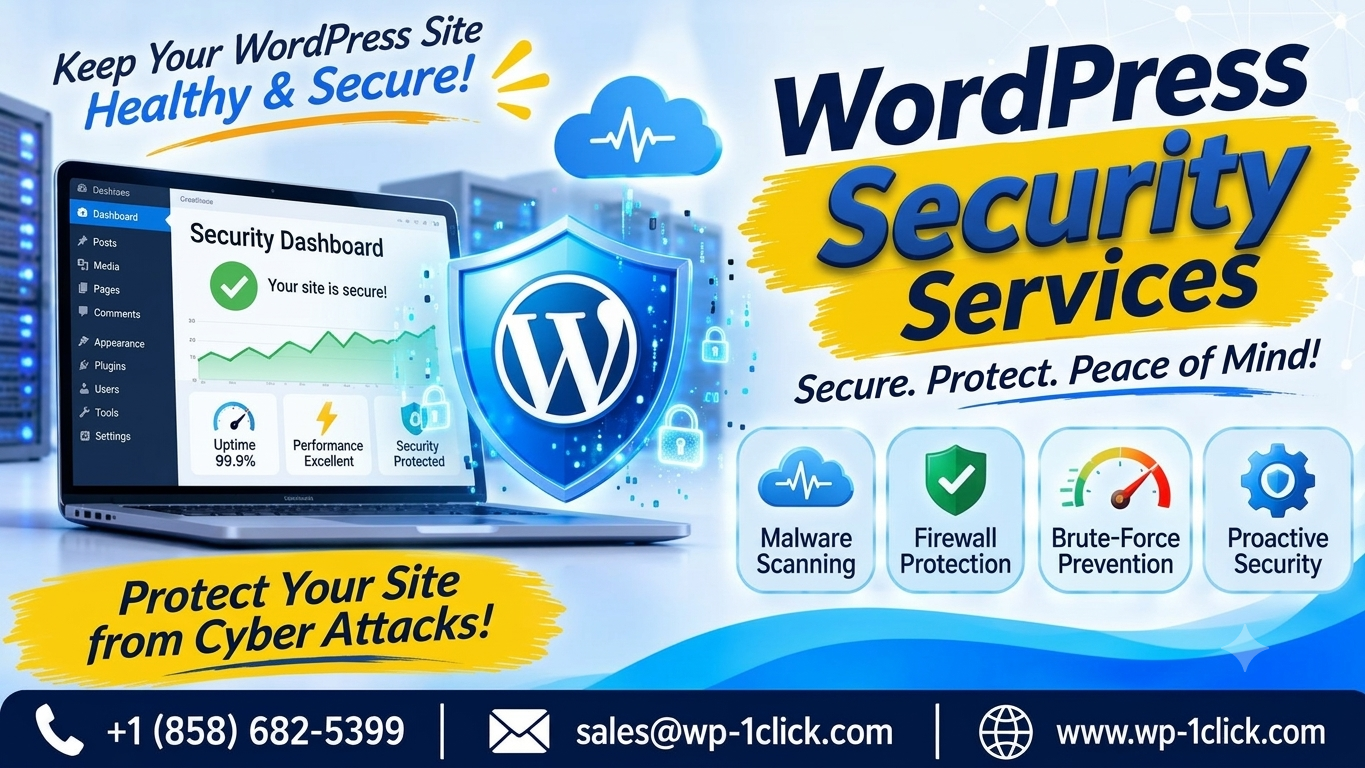
Professional WordPress security involves multiple protection strategies that work together to keep your website secure. A comprehensive approach focuses on preventing threats, detecting suspicious activity, and responding to potential security incidents.
Here are some essential services to consider.
1. WordPress Malware Removal
WordPress malware removal is one of the most important services for websites affected by malicious software. Malware can enter your website through vulnerable plugins, compromised credentials, or infected files.
Once installed, it may affect website functionality, redirect visitors, or expose confidential information.
Professional malware removal involves identifying malicious files, cleaning infected website components, and checking for suspicious modifications. A thorough cleanup also investigates how the infection occurred to help prevent similar problems in the future.
2. WordPress Security Monitoring
WordPress security monitoring helps identify unusual website activity before it develops into a serious problem. Monitoring may include suspicious login attempts, unexpected file changes, unauthorized access, and potential malware activity.
Regular monitoring allows website owners to respond to security concerns more quickly and reduce the impact of potential attacks.
It is particularly valuable for business websites and online stores that handle customer information and depend on uninterrupted website availability.
3. WordPress Firewall Protection
WordPress firewall protection provides another important layer of website security. A Web Application Firewall (WAF) helps filter potentially harmful traffic before it reaches your website.
It can block suspicious requests and help protect against common web-based attacks, including malicious traffic and certain automated attack attempts.
Combining firewall protection with other security measures creates a stronger defense for your WordPress website.
4. WordPress Vulnerability Scanning
WordPress vulnerability scanning helps identify security weaknesses in your website before attackers can exploit them.
A vulnerability scan can examine WordPress installations, plugins, themes, and other website components for known security issues and outdated software.
Regular scanning allows website owners to identify potential risks and take corrective action. It is an important part of maintaining a proactive website security strategy.
5. WordPress Security Maintenance
WordPress security maintenance involves keeping your website updated, protected, and functioning properly.
WordPress developers frequently release updates to fix bugs, improve compatibility, and address security vulnerabilities. Professional maintenance helps ensure that WordPress core files, themes, and plugins receive appropriate updates.
Regular maintenance also includes reviewing website configurations, removing unnecessary plugins, and checking important security settings.
6. Website Backup and Recovery
Even with strong security measures, no website is completely immune to cyberattacks or technical failures. Regular backups provide an additional layer of protection.
A reliable backup strategy should include website files and database information. It should also involve secure backup storage and periodic recovery checks to ensure your website can be restored when necessary.
Signs Your WordPress Website May Be Compromised
Security problems are not always immediately noticeable. Sometimes, hackers make unauthorized changes without affecting the visible appearance of your website.
Watch out for these warning signs:
-
Your website redirects visitors to unfamiliar pages.
-
Google displays security warnings in search results.
-
Unknown administrator accounts appear in your dashboard.
-
Your website becomes unusually slow.
-
You notice unfamiliar files or suspicious code.
-
Your hosting provider reports unusual server activity.
-
Your website suddenly displays spam advertisements.
If you notice any of these issues, investigate immediately. Ignoring security warnings can allow attackers to maintain access and cause additional damage.
Benefits of Choosing Professional WordPress Security Services
Managing website security independently can be challenging, especially without technical experience. Professional security services provide specialized knowledge and a structured approach to protecting your website.
Here are some important benefits:
Better Website Protection: Multiple security measures help reduce vulnerabilities and defend against common cyber threats.
Reduced Website Downtime: Identifying and resolving security issues quickly helps minimize interruptions that could affect visitors and business operations.
Protection of Business Data: Appropriate security practices help safeguard sensitive website information and customer details.
Improved Website Reliability: Regular updates, monitoring, and WordPress security maintenance help keep your website running smoothly.
More Time for Business Growth: Instead of worrying about technical security problems, you can concentrate on marketing, customer service, and business development.
Faster Security Response: Access to experienced professionals makes it easier to investigate suspicious activity and address website infections.
Why Choose wp1click for WordPress Security Services?
Choosing the right website security partner is an important decision. You need a service provider that understands WordPress, recognizes common security risks, and focuses on keeping websites protected.
wp1click aims to help WordPress website owners maintain a safer and more reliable online presence through professional website support and security-focused solutions.
Whether you are concerned about malware, suspicious website activity, outdated software, or general website vulnerabilities, getting the right technical assistance can make a significant difference.
When choosing wordpress security services, look for solutions that include:
-
Comprehensive website security checks.
-
WordPress malware removal support.
-
Regular WordPress security maintenance.
-
Firewall protection and vulnerability scanning.
-
Security monitoring and threat detection.
-
Website backup and recovery assistance.
Visit wp1click to explore available website support and security solutions.
How Can You Improve Your WordPress Website Security?
Along with professional security support, website owners can follow several simple practices to improve protection:
-
Use strong passwords: Create unique passwords for administrator accounts.
-
Enable two-factor authentication: Add another layer of login protection.
-
Install trusted plugins: Download themes and plugins from reputable sources.
-
Update your website regularly: Keep WordPress core, themes, and plugins up to date.
-
Use SSL protection: Ensure your website uses HTTPS to encrypt information exchanged between visitors and your server.
-
Schedule regular backups: Maintain secure backups for website recovery.
-
Limit administrator access: Give users only the permissions they need.
These practices can significantly improve your website's security, although they should complement rather than replace a comprehensive security strategy.
Final Thoughts
Your WordPress website is an important part of your online identity and business operations. Protecting it from malware, unauthorized access, and other cyber threats should be an ongoing priority.
Investing in professional wordpress security services helps you identify vulnerabilities, improve website protection, and reduce the risks associated with cyberattacks. From WordPress malware removal and firewall protection to vulnerability scanning, security monitoring, and regular maintenance, a proactive security approach can make your website more reliable.
With wp1click, you can take a more confident approach to WordPress website protection and maintenance. Don't wait until a security problem affects your website. Take preventive steps today and build a safer online experience for your business and visitors.