Managing sales becomes increasingly difficult as a business grows. Leads arrive through different channels, prospects require follow-ups, opportunities move through multiple stages, and managers need reliable visibility into what is likely to close. Spreadsheets and disconnected tools may work initially, but they can become difficult to maintain as sales activity increases.
Sales management software brings these processes into a more organised system, helping businesses manage customer information, opportunities, activities, pipelines and performance from a central location. The right solution can reduce administrative work while giving sales teams and managers clearer information for day-to-day decisions.
What Is Sales Management Software?
Sales management software is a business application designed to organise and monitor the sales process, from capturing a lead through to closing a deal and managing follow-up activities.
Depending on the platform, it may include CRM functionality, contact management, sales pipeline tracking, task management, reporting, automation and forecasting. Instead of keeping information across spreadsheets, emails and individual notes, sales teams can maintain a shared record of prospects, opportunities and activities.
For example, when a potential customer enquires, a salesperson can record the contact details, assign the lead, schedule a follow-up and move the opportunity through defined sales stages. Managers can then see the status of that opportunity without asking for a separate update.
Why Businesses Move Beyond Spreadsheets
Spreadsheets are flexible and inexpensive, making them useful for small teams. However, they rely heavily on consistent manual updates.
As the number of leads and deals increases, common problems include:
- Duplicate or outdated customer information
- Missed follow-ups and sales tasks
- Unclear ownership of leads
- Difficulty identifying stalled opportunities
- Multiple versions of the same spreadsheet
- Limited visibility into individual and team performance
- Time-consuming manual reporting
A dedicated sales management system provides a structured environment where information can be updated and shared more consistently. It does not eliminate the need for good sales processes, but it can make those processes easier to manage.
Managing Leads and Prospects More Effectively
Lead management is one of the most important functions of sales software. A lead should not simply be a name in a database; the team needs enough context to determine what action should happen next.
A useful system can help salespeople record information such as:
- Contact and company details
- Lead source
- Previous conversations
- Sales activities
- Follow-up dates
- Current status
- Assigned salesperson
- Relevant notes and documents
Consider a business receiving enquiries from its website, referrals and advertising campaigns. Without a central process, some enquiries may receive immediate attention while others remain unnoticed. With structured lead management, new enquiries can be assigned, prioritised and followed through systematically.
Improving Sales Pipeline Management
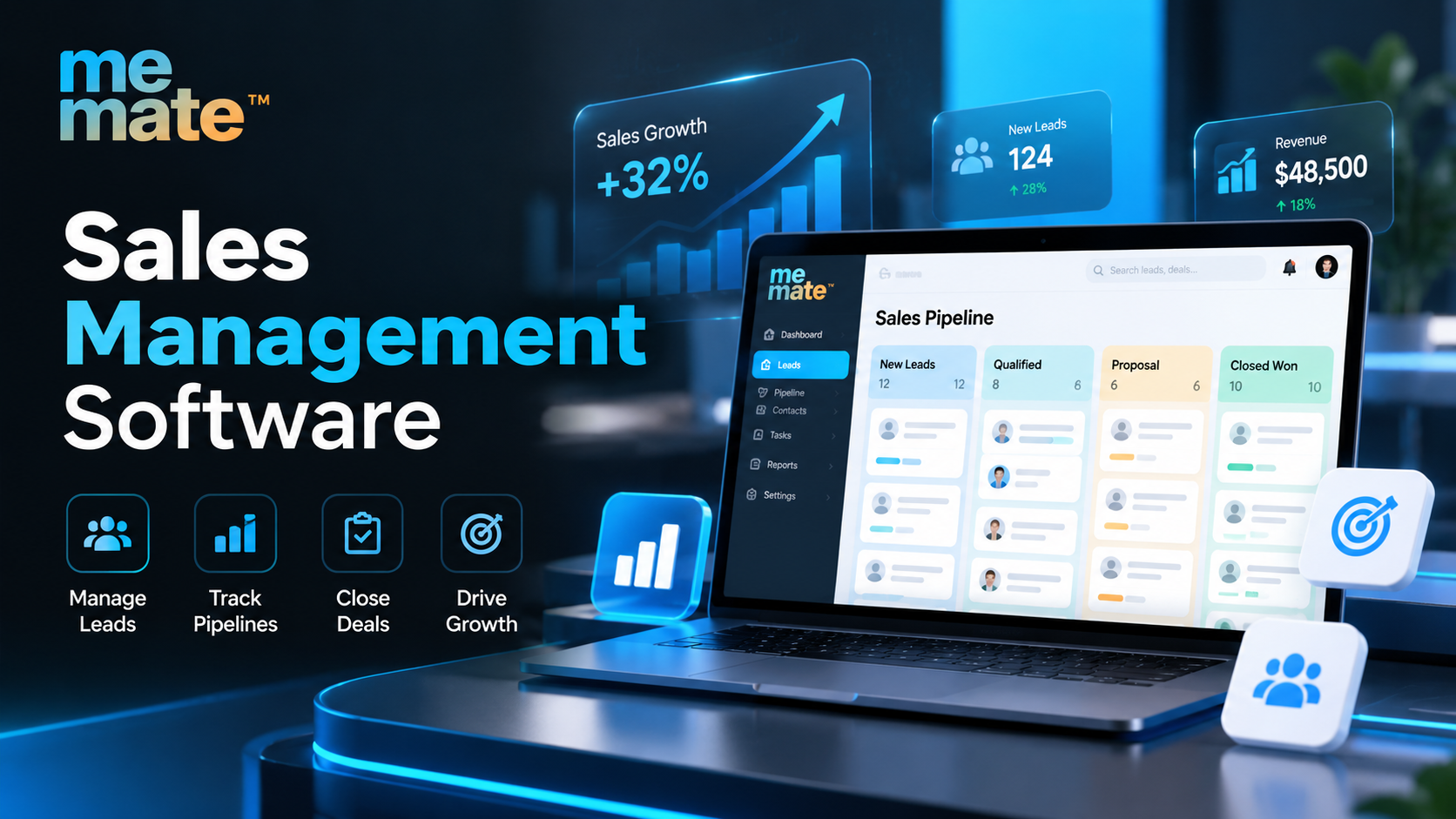
The sales pipeline provides a visual representation of potential revenue and where each opportunity currently sits.
Typical stages might include:
New Lead → Qualified → Proposal → Negotiation → Won/Lost
The exact stages should reflect how the business actually sells rather than copying a generic template.
Good sales pipeline management helps teams answer practical questions: Which opportunities need attention? Which deals have been sitting in the same stage for too long? How much potential revenue is currently in the pipeline? Which salesperson is responsible for each opportunity?
Pipeline visibility can also help managers identify bottlenecks. If proposals regularly remain unanswered for several weeks, for example, the issue may involve follow-up processes, pricing, qualification or another part of the sales cycle.
Keeping Sales Activities and Follow-Ups Organised
Winning a deal often depends on consistent activity rather than a single conversation. Calls, meetings, emails, proposals and follow-ups all need to happen at the appropriate time.
Sales management tools can connect these activities to individual leads or opportunities. Salespeople can create tasks, set reminders and maintain notes so important actions are less likely to be forgotten.
This is particularly valuable when several team members interact with the same customer. Instead of relying on one person's memory, the business can maintain a shared history of relevant interactions.
Giving Managers Better Visibility Into Team Performance
Sales managers need more than a list of open deals. They need to understand how work is progressing and where support may be required.
Depending on the platform, reporting dashboards can provide visibility into:
- Leads generated and converted
- Opportunities by sales stage
- Deal values
- Follow-up activity
- Conversion rates
- Won and lost opportunities
- Individual sales activity
- Revenue trends
These reports can make performance discussions more objective. If one salesperson has many opportunities but relatively few conversions, the manager can investigate whether qualification, proposal quality or another stage of the process needs attention.
Using Automation to Reduce Routine Work
Automation is particularly useful for repetitive sales administration.
For example, a system may automatically assign incoming leads, create follow-up tasks, update opportunity stages or trigger internal notifications when an important action is required. The exact capabilities vary considerably between providers, so businesses should assess automation based on their actual workflow.
The goal should not be to automate every sales interaction. Personal communication remains important. Instead, automation should handle predictable administrative tasks so salespeople can spend more time on conversations, qualification and relationship building.
Features Worth Looking For
When comparing software, focus on practical capabilities rather than the length of a feature list.
Important areas to evaluate include:
Contact and Lead Management
The system should make it easy to store, search and update customer and prospect information.
Pipeline Management
Look for flexible sales stages, clear opportunity visibility and straightforward deal updates.
Task and Activity Management
Salespeople should be able to schedule calls, meetings and follow-ups without creating unnecessary administrative work.
Reporting and Analytics
Dashboards should provide useful information for both individual salespeople and managers.
Workflow Automation
Consider whether the platform can automate repetitive processes relevant to your business.
Integrations
Check whether it works with the tools your team already relies on, such as email, accounting, calendars or other business applications.
Usability and Scalability
A sophisticated platform is of limited value if employees find it difficult to use. Consider whether the system can accommodate future growth without becoming unnecessarily complicated.
Solutions such as meMate can be considered when a business wants sales-related processes to sit alongside broader operational workflows, rather than treating sales as an isolated activity.
Common Challenges When Choosing Sales Software
Buying software does not automatically create a better sales process. Businesses can encounter problems when they select a platform based on features alone.
A few common mistakes include choosing a system that is too complicated, failing to define sales stages before implementation, entering inconsistent customer data, or expecting automation to compensate for unclear processes.
Cost should also be evaluated beyond the subscription price. Consider implementation time, training, integrations, data migration and the ongoing effort required to maintain the system.
The best choice is usually the system that fits the organisation's actual workflow and is practical enough for the team to use consistently.
How to Compare Different Solutions
Before making a decision, document the current sales process and identify where problems occur.
Ask potential providers:
- Can the software support our actual sales stages?
- How easily can leads and opportunities be assigned?
- Can sales activities and follow-ups be tracked?
- What reporting can managers customise?
- Which integrations are available?
- How does automation work?
- What happens as our team and customer database grow?
- What support, onboarding and data migration options are provided?
A short trial using real-world scenarios can be more informative than a product demonstration. Test how quickly a salesperson can add a lead, update an opportunity, schedule a follow-up and find relevant customer information.
When Has a Business Outgrown Manual Sales Tracking?
There is no fixed number of employees or leads that determines when software becomes necessary. A stronger indicator is operational complexity.
If sales information is spread across multiple spreadsheets, follow-ups are being missed, managers cannot confidently forecast revenue, or employees spend significant time preparing reports, the existing process may no longer be sufficient.
At that point, sales software can provide structure and visibility without requiring the business to redesign every aspect of its sales operation.
Frequently Asked Questions
What is the main purpose of sales management software?
Its main purpose is to organise and manage sales activities, including leads, prospects, opportunities, follow-ups, pipelines and performance reporting in a central system.
Is sales management software the same as a CRM?
There is considerable overlap. Many sales management platforms include CRM capabilities, while some CRM systems provide broader customer-service and marketing functionality. The distinction depends on the software's scope and intended use.
Can small businesses benefit from sales management software?
Yes. Small businesses can benefit when leads, follow-ups and opportunities become difficult to manage manually. The key is choosing a solution that matches the team's size and workflow rather than paying for unnecessary complexity.
How does sales software help with forecasting?
It can use information such as opportunity values, sales stages and expected close dates to give managers a clearer view of potential revenue. Forecasting accuracy still depends on the quality and consistency of the underlying sales data.
What should a business consider before switching from spreadsheets?
Businesses should assess their sales process, data quality, reporting requirements, integrations, user adoption, implementation effort and future growth needs. A clear understanding of these requirements makes software comparisons much more useful.
Conclusion
Effective sales management depends on having the right information available at the right time. Sales management software can help businesses organise leads, maintain a clearer pipeline, coordinate activities, automate routine tasks and understand sales performance more effectively.
However, software should support a well-defined sales process rather than replace one. Before choosing a platform, businesses should identify their operational requirements, involve the people who will use the system and evaluate solutions against real sales scenarios.
The right system is ultimately the one that improves visibility and consistency without adding unnecessary complexity to the way the team sells.




 English
 Arabic
 French
 Spanish
 Portuguese
 Deutsch
 Turkish
 Dutch
Dutch
 Italiano
 Romaian
 Portuguese (Brazil)
 Greek
Greek
