


How to Manage Parental Controls on Home Networks
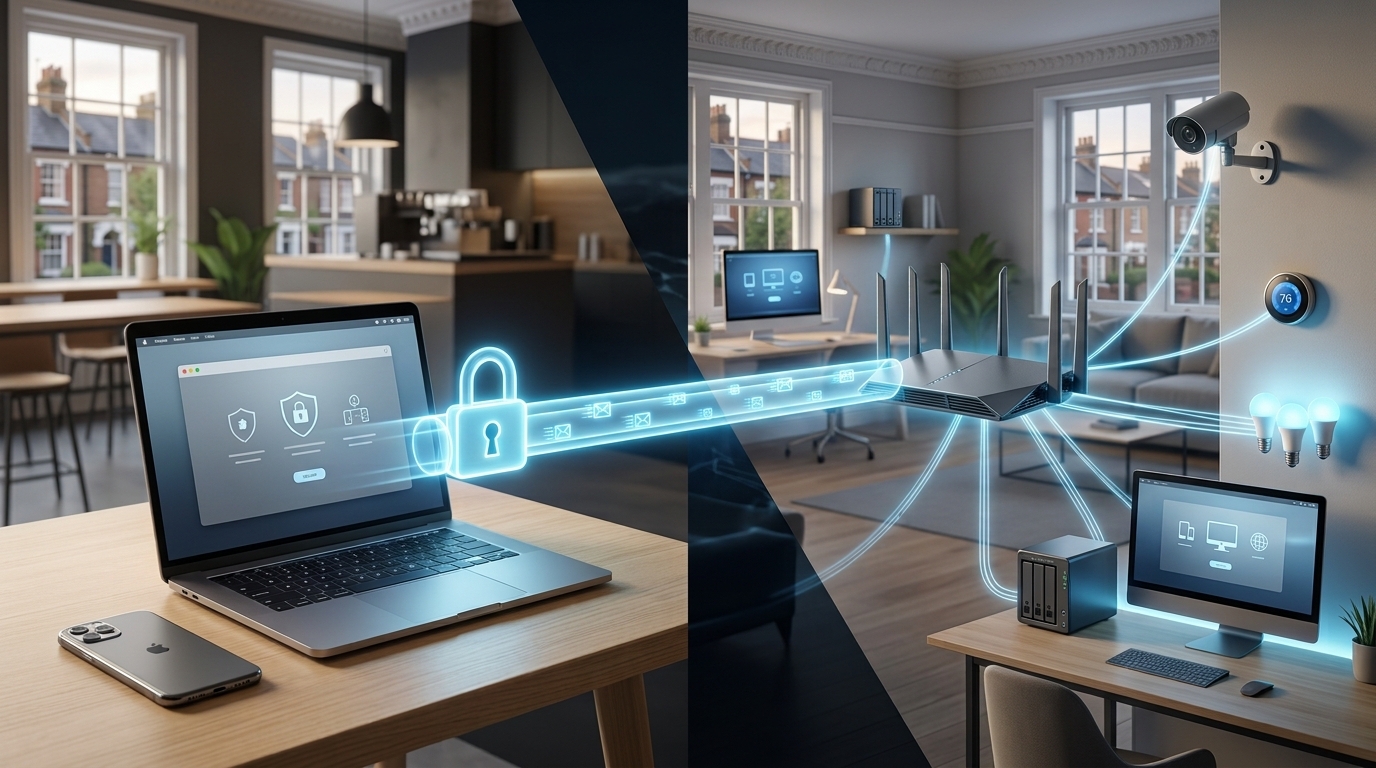
Why Parental Controls Matter on a Modern Home Network
Children today use the internet for schoolwork, entertainment, gaming, social media, and communication. While online access offers enormous benefits, it can also expose younger users to inappropriate content, excessive screen time, scams, privacy risks, and unsafe interactions.
This is where parental controls can make a real difference. Rather than simply blocking the internet, modern parental controls allow parents to create healthier and safer digital boundaries for each member of the household.
The important point is that parental controls should be part of a wider approach to home network security. A strong home network combines secure Wi-Fi, appropriate device settings, updated software, safe browsing practices, and sensible supervision.
What Are Parental Controls?
Parental controls are tools that allow parents or guardians to manage how children access the internet and connected devices. Depending on the router, operating system, application, or security service being used, these controls can provide several useful functions.
Common features include:
- Blocking websites containing inappropriate content
- Restricting certain categories of websites
- Setting internet access schedules
- Limiting online gaming
- Pausing internet access on specific devices
- Managing individual user profiles
- Applying age-appropriate content filters
- Monitoring basic online activity
- Restricting access to potentially unsafe services
The best solution depends on your household. A family with young children may need stronger content filtering, while parents of teenagers may focus more on schedules, privacy, and responsible online behaviour.
Start by Identifying Every Connected Device
Before managing parental controls, it helps to understand what is actually connected to your home network.
Modern households can have dozens of connected devices, including smartphones, tablets, laptops, smart TVs, games consoles, streaming devices, and smart home equipment. If you do not know which device belongs to which person, applying effective restrictions becomes much more difficult.
Log into your router or network management application and review the connected-device list. Give recognised devices meaningful names, such as:
- Child's Tablet
- Teenager's Phone
- Family Laptop
- Gaming Console
- Smart TV
This simple step makes future management considerably easier.
It is also important to remove unknown devices and investigate anything unfamiliar. An unidentified device does not automatically mean your network has been compromised, but it is worth checking.
Choose the Right Type of Restrictions
Not every child needs the same level of restriction. One of the biggest mistakes parents make is applying identical rules to every device.
Instead, consider creating separate profiles based on age and individual needs.
For younger children, you might block adult content, gambling-related websites, unknown downloads, and other inappropriate categories. You could also create a schedule that automatically disables internet access at bedtime.
For older children, restrictions can gradually become less restrictive while still protecting against obvious online risks. You may choose to maintain filtering while allowing broader access for education, research, gaming, and communication.
The objective is not to create a completely controlled digital environment. It is to provide an appropriate level of protection while helping children develop good online habits.
Create Internet Schedules That Work for Your Family
Screen time is often just as important as the websites children can access.
Many modern routers and parental-control systems allow parents to establish schedules for individual devices. For example, a child's tablet could have internet access during homework and leisure hours but automatically disconnect at bedtime.
A practical schedule might include:
School days: Limited evening access with internet paused overnight.
Weekends: Longer access during agreed periods.
Homework: Educational websites and necessary online services remain available.
Bedtime: Internet access is automatically paused.
Automatic scheduling can be particularly useful because parents do not have to repeatedly tell children to put devices away. The network applies the agreed rules consistently.
However, scheduling should remain flexible. Family routines change, and temporary access may be necessary for homework, travel, or other circumstances.
Strengthen Parental Controls With Home Network Security
Parental controls work best when the underlying network is secure.
Start with your router. Change the default administrator password and use a strong, unique password that is not shared unnecessarily. Make sure the router's firmware is regularly updated, as manufacturers frequently release security improvements.
Your Wi-Fi should also use modern encryption. If your router supports WPA3, consider using it. If WPA3 is unavailable, WPA2 with a strong password is generally preferable to older security standards.
You should also consider separating devices where appropriate. For example, smart home equipment such as cameras, televisions, or smart speakers can potentially be placed on a separate guest or IoT network. This can help reduce the impact if one device is ever compromised.
These measures provide a stronger foundation for home network security and complement your parental-control settings.
Review and Adjust Your Settings Regularly
Parental controls are not a "set it and forget it" solution.
Children grow, their devices change, and new online services appear regularly. A restriction that makes sense for a seven-year-old may be unnecessarily restrictive for a teenager.
Review your settings every few months. Check whether:
- New devices have been added to the network
- Existing devices are assigned to the correct profiles
- Filtering rules are still appropriate
- Internet schedules match your current routine
- Router and device software are up to date
- Passwords remain secure
- Your children understand the reasons behind the rules
It is also worth discussing online safety with children rather than relying entirely on technology. Explain why certain websites are restricted, how to recognise suspicious messages, why passwords should remain private, and what they should do if something online makes them uncomfortable.
Technology can enforce boundaries, but education helps children make safer decisions when parental controls are no longer available.
Making Parental Controls Part of a Safer Digital Home
Effective managing parental controls is ultimately about balance. Blocking everything may create frustration, while providing unrestricted access can expose children to unnecessary risks.
A better approach combines sensible technical controls with communication and education.
For parents who are unsure where to begin, professional assistance can also be valuable. Router settings, device profiles, filtering systems, Wi-Fi security, and smart home equipment can become complicated, particularly in larger households with many connected devices.
A properly configured network can make parental controls easier to manage while improving the overall reliability and security of your home internet connection.
At HomeIT Services, the focus is on practical technology solutions that work for real households. From network configuration and Wi-Fi security to connected devices and internet filtering, getting the fundamentals right can give families greater confidence in their digital environment.
A safer home network does not need to be complicated. With the right combination of parental controls, secure network settings, sensible schedules, and ongoing communication, parents can help children enjoy the benefits of the internet while reducing many of the risks that come with being online.
- Goth Lifestyle
- Fashion & Style
- Music & Bands
- Art & Photography
- Creative Writing & Poetry
- Events & Scene
- Occult & Spirituality
- DIY & Tutorials
- Beauty & Self-Care
- Relationships & Dating
- Gaming & Media
- Tech & Gadgets
- Body Art & Piercings
- Underground Culture
- Spotlights & Interviews
- Travel & Places
- Lifestyle & Daily Life
- Fitness & Health
- Travel & Adventure
- Books & Literature
- Tech & Gaming
- Movies & TV
- Food & Drinks
- Humor & Memes
- Pets & Animals
- General Arts & Crafts

 English
 Arabic
 Spanish
 Portuguese
 Deutsch
 Turkish
 Dutch
Dutch
 Italiano
 Russian
 Romaian
 Portuguese (Brazil)
 Greek
Greek
