

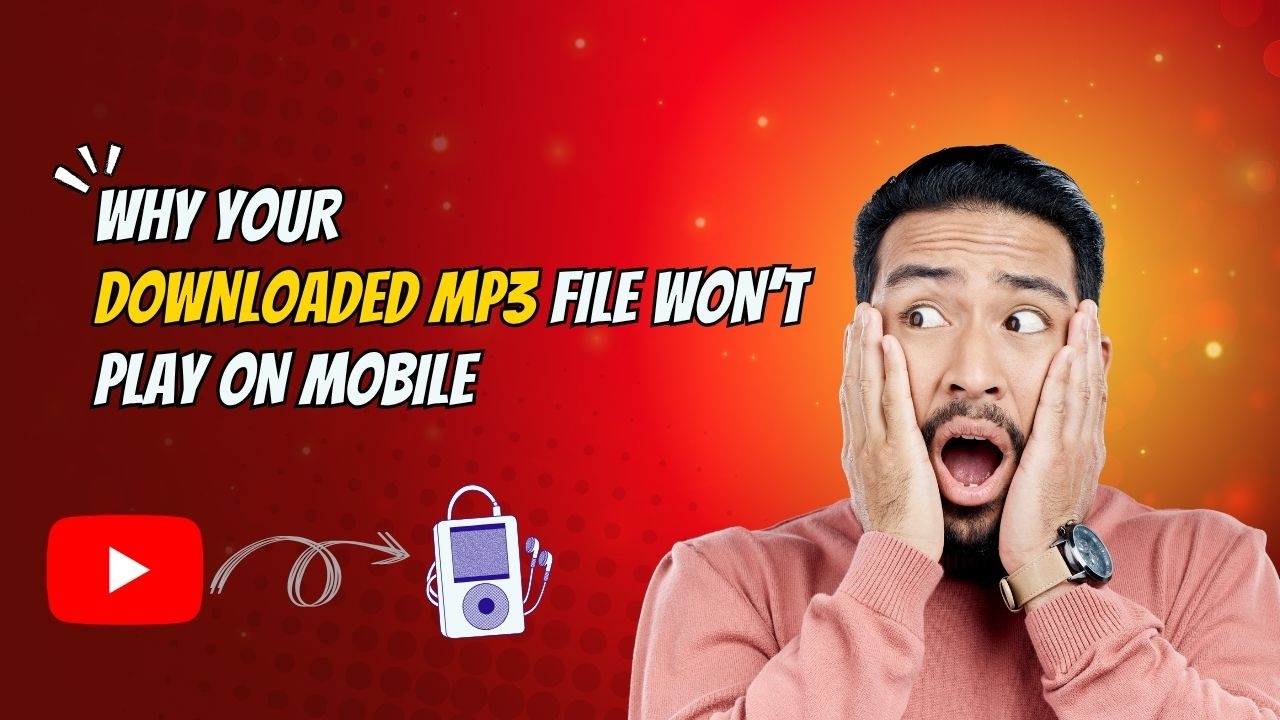
Why Your Downloaded MP3 File Won’t Play on Mobile
Now, with MP3 converter tools on the internet, it’s easier than ever to download music, podcasts and audio content. It enables users to convert videos to MP3 files so that they can listen to them offline. But after downloading a file, many people encounter a frustrating problem with their mobile device will not play the MP3.
You are not alone if you have ever clicked on an MP3 file and got an error message or heard nothing. There are a few reasons why an MP3 file might not play properly on a smartphone or tablet. The good news is that most of these problems are easy to spot and fix.
In this guide, we’ll go through the most common reasons why downloaded MP3 files through like MP3 Juice converter won’t play on mobile devices, and how you can solve them.
Why MP3 Files Sometimes Fail on Mobile
Although MP3 is one of the most widely supported audio formats, problems can still occur during downloading, conversion, storage, or playback.
Understanding the cause is the first step toward fixing the issue.
1. The MP3 File Is Corrupted
One of the most common reasons an MP3 file will not play is file corruption.
This can happen when:
-
The download is interrupted
-
The internet connection drops
-
The conversion process fails
-
The file transfer is incomplete
A corrupted file may appear normal but fail to open or play correctly.
Solution
Delete the damaged file and download it again using a stable internet connection.
2. The Download Was Incomplete
Sometimes a file download stops before completion without the user noticing.
As a result:
-
The file may be smaller than expected
-
The audio may stop suddenly
-
The file may not open at all
Solution
Check the file size and re-download the MP3 if necessary.
3. Unsupported Audio Codec
Although the file extension says ".mp3," the audio inside may use a codec that your mobile device does not fully support.
This problem is more common with files created by unreliable conversion tools.
Solution
Use trusted MP3 converters and standard MP3 settings during conversion.
4. The Media Player Has Compatibility Issues
Sometimes the problem is not the MP3 file itself but the media player being used.
Certain mobile apps may struggle with:
-
Metadata issues
-
Large audio files
-
Specific encoding settings
Solution
Try opening the file using a different music player app.
5. Storage Problems on Your Device
Low storage space can cause playback issues on some smartphones.
When storage becomes nearly full, devices may:
-
Fail to load files correctly
-
Lag during playback
-
Show file access errors
Solution
Free up storage by deleting unnecessary files and applications.
6. File Transfer Errors
Many users transfer MP3 files from a computer to a mobile device.
During transfer:
-
Files may become damaged
-
Connections may disconnect
-
Transfers may stop unexpectedly
Solution
Transfer the file again and verify that the process completes successfully.
7. Outdated Mobile Software
Older operating systems sometimes struggle with newer file formats and audio settings.
An outdated phone may experience:
-
Playback errors
-
App crashes
-
Compatibility problems
Solution
Update your device's operating system and music applications regularly.
8. Problems During Conversion
The quality of the converter used can affect whether the MP3 works properly.
Poor-quality converters may produce:
-
Incomplete files
-
Incorrect formatting
-
Audio playback issues
Solution
Choose reliable conversion tools and ensure the conversion process finishes successfully.
Signs That Your MP3 File Is Damaged
You may have a corrupted MP3 file if:
-
The file will not open
-
Playback stops unexpectedly
-
There is no sound
-
Error messages appear
-
The file size seems unusually small
Recognizing these signs can help you identify the issue quickly.
Tips to Prevent MP3 Playback Problems
Use Stable Internet
A reliable internet connection helps ensure complete downloads.
Choose Trusted Conversion Tools
Reliable tools are less likely to create damaged files.
Keep Your Device Updated
Software updates improve compatibility and performance.
Verify File Size
Check that downloaded files match expected sizes.
Maintain Free Storage Space
Adequate storage helps your device handle audio files smoothly.
Benefits of Properly Downloaded MP3 Files
When everything works correctly, MP3 files provide:
-
Offline listening
-
Easy portability
-
Small file sizes
-
Broad device compatibility
-
Convenient audio access
These benefits make MP3 one of the most popular audio formats worldwide.
Conclusion
If your downloaded MP3 file is not playing on mobile, it is often because of file corruption, incomplete downloads, unsupported codecs, storage limitations, transfer errors or outdated software. Fortunately, most of these problems are easy to fix with a few simple troubleshooting steps.
Having a reliable converter MP3 tools, a stable internet connection, and a current device can help you avoid many of the usual playback problems and enjoy a more smooth offline listening experience.
- Goth Lifestyle
- Fashion & Style
- Music & Bands
- Art & Photography
- Creative Writing & Poetry
- Events & Scene
- Occult & Spirituality
- DIY & Tutorials
- Beauty & Self-Care
- Relationships & Dating
- Gaming & Media
- Tech & Gadgets
- Body Art & Piercings
- Underground Culture
- Spotlights & Interviews
- Travel & Places
- Lifestyle & Daily Life
- Fitness & Health
- Travel & Adventure
- Books & Literature
- Tech & Gaming
- Movies & TV
- Food & Drinks
- Humor & Memes
- Pets & Animals
- General Arts & Crafts

 English
 Arabic
 French
 Spanish
 Portuguese
 Deutsch
 Turkish
 Italiano
 Russian
 Romaian
 Portuguese (Brazil)
 Greek
Greek